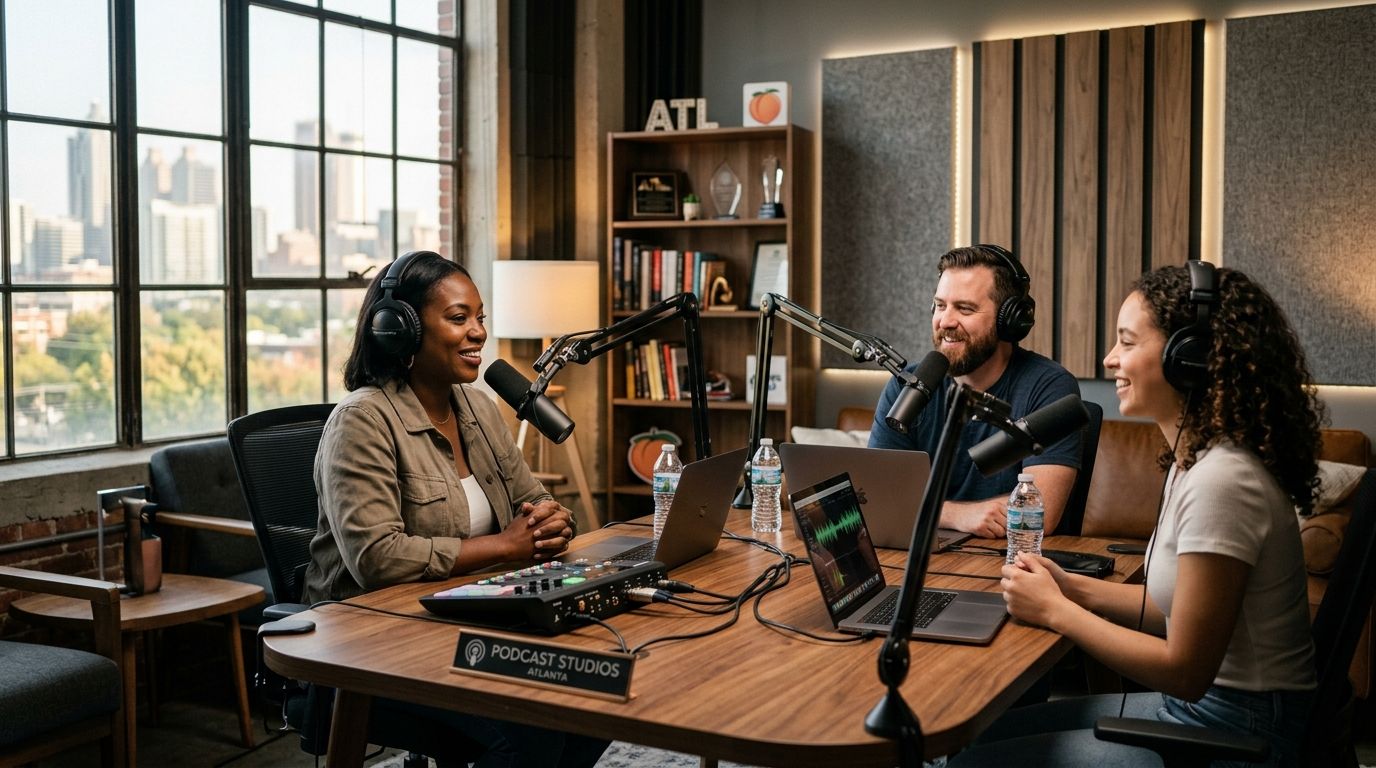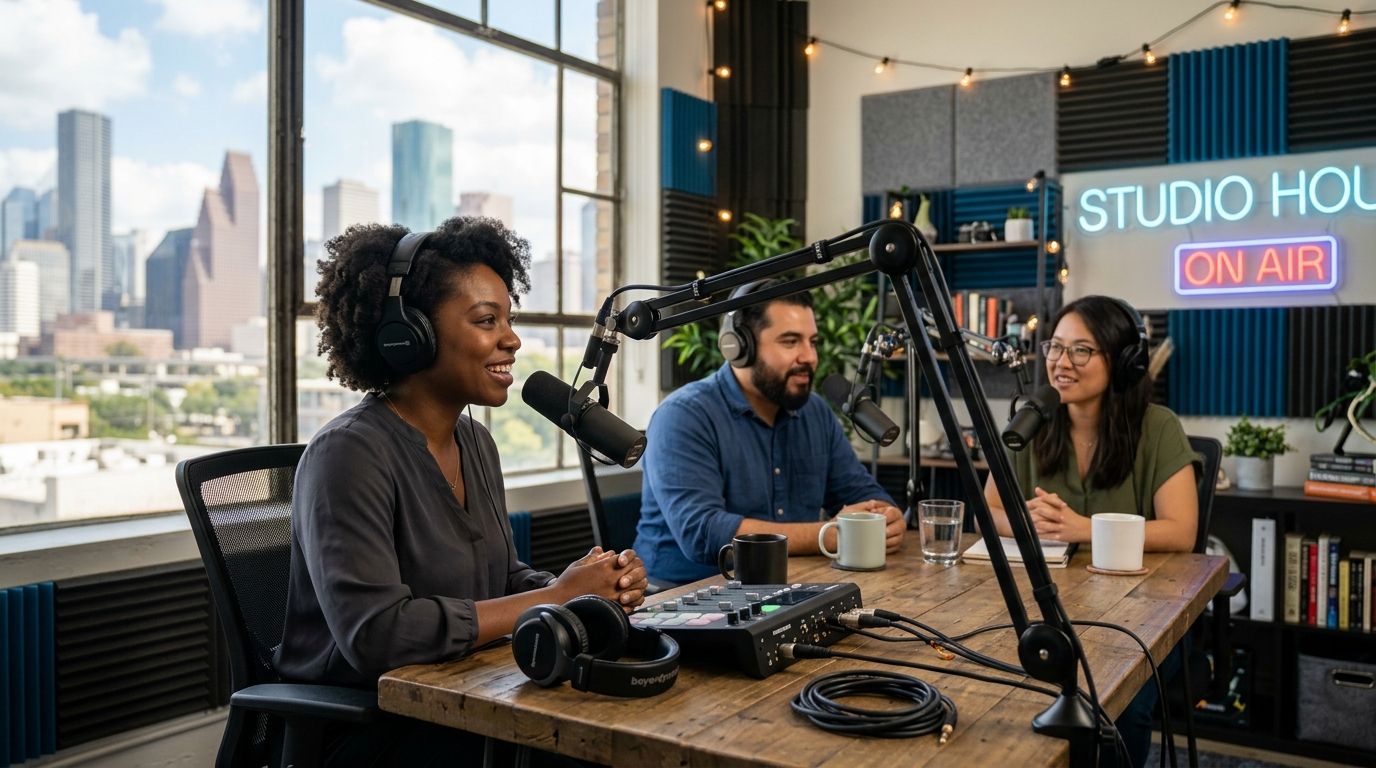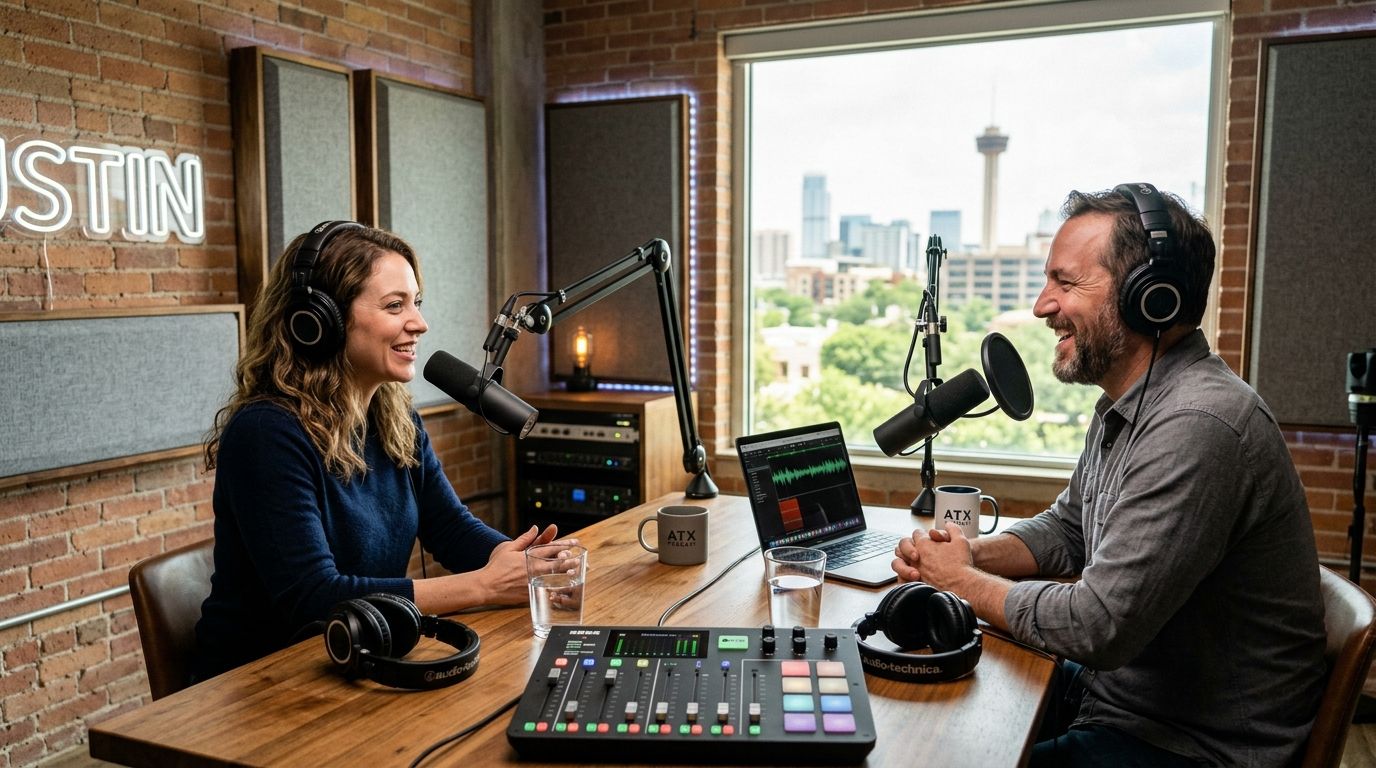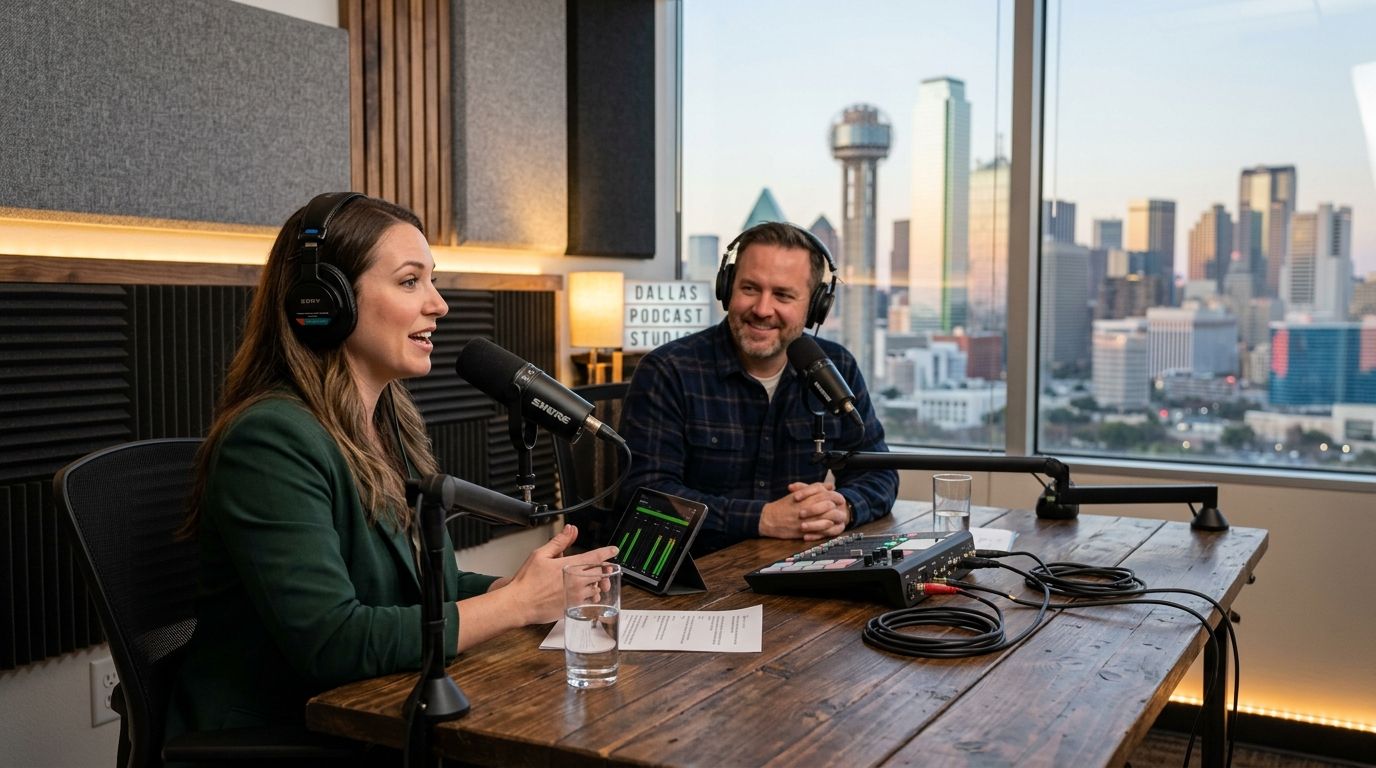
Dallas has no shortage of places that call themselves a "podcast studio," but most fall into a handful of real categories, and each one solves a different problem. This guide ranks the ten types of podcast recording setups available in Dallas in 2026, tells you exactly who each one is built for, and names where an automated, one-button option like Just Push Record fits into the decision.
- Just Push Record's Dallas studio wins for solo hosts and interview shows that want a one-button, three-camera setup with no crew.
- Full-service production studios fit high-budget branded video series that need a director and live camera switching.
- Home studio build-outs suit weekly hosts who want full control of their own gear and schedule.
- Audio-only booths and coworking podcast rooms cover casual or occasional recording without a big commitment.
- Mobile rig rentals are the right call for on-location interviews at Dallas conferences and events.
Best overall in 2026: Just Push Record. Best for full-crew video production: a full-service production studio with an in-house team. Best budget option: a DIY closet setup, at least until a show proves it's worth a real space.
Why this matters
Most "best podcast studio" lists in Dallas mix together things that don't compete with each other: a $40/hour audio booth and a $2,000/day production house are not solving the same problem. The right studio depends on whether you need video or just audio, whether you have a crew, and how fast you need the files back. Pick by category first, then by name, or you end up overpaying for a control room you didn't need or underpaying for a camera setup that can't carry a video show.
What makes the best podcast studio in Dallas
- Camera setup — how many angles, and whether switching is automatic or needs an operator
- Crew requirement — solo push-button recording versus a producer, engineer, or director on site
- File delivery — how footage gets to you and how long it takes
- Acoustics — treated room versus open-plan space with ambient noise
- Cost structure — hourly rental, day rate, or membership/coworking add-on
- Access hours — 24/7 self-serve versus scheduled business-hours booking
Podcast studios in Dallas at a glance
| Studio type | Best for | Standout feature | Key limitation |
|---|---|---|---|
| Just Push Record | Solo hosts, interview shows | One-button, three-camera automated recording | No live crew if something needs manual adjustment |
| Full-service production studio | High-budget branded video | In-house director and multi-camera switching | Requires scheduling around a crew's availability |
| Coworking podcast booth | Casual, occasional recording | Bundled into an existing office membership | Rooms are usually audio-first, limited camera gear |
| University/library media lab | Students, nonprofits | Access often included with enrollment or membership | Booking windows tied to academic calendars |
| Home studio build-out | Weekly hosts wanting full control | Gear stays set up between every session | Upfront cost and ongoing maintenance falls on the host |
| Radio station rental studio | Broadcast-crossover shows | Broadcast-grade audio chain | Built for audio, not multi-camera video |
| Corporate AV rental company | One-off town halls, internal video | Full lighting and camera rig delivered on demand | Priced and staffed for single events, not weekly shows |
| Audio-only recording booth | Audio-first shows | Treated for sound with zero camera setup | No video output at all |
| Mobile podcast rig rental | On-location conference interviews | Gear travels to the guest or event | Setup time eats into the recording window |
| DIY closet/spare-room setup | Testing the format before investing | Zero facility cost | Acoustics and lighting require real trial and error |
1. Just Push Record: best podcast studio in Dallas for solo hosts and interview shows
Just Push Record runs a fully automated, three-camera podcast studio in Dallas built around a single control: press one button and the recording starts. There's no engineer to schedule and no crew to coordinate — the host or guest walks in, hits record, and the files land in Google Drive when the session ends.
Just Push Record pros:
- One button starts a three-camera recording with no operator needed
- Files deliver through Google Drive without a separate hand-off step
- Works for solo hosts and guest-interview formats without extra staffing
Just Push Record cons:
- No live crew on site if a guest needs in-session direction
- Built around a standard multi-cam format, not custom lighting rigs
Best for: solo hosts, interview shows, and businesses that want studio-quality video without hiring a crew. Verdict: Buy.
2. Full-service production studios: best for high-budget branded video series
These are staffed studios with an in-house producer, camera operators, and live switching, built for brands that treat a podcast as a full video production, not a recording session.
Full-service production studio pros:
- A director can adjust framing, lighting, and pacing live
- Handles complex multi-guest or multi-segment formats
- Post-production is often bundled into the same team
Full-service production studio cons:
- Requires scheduling around crew availability, not just room availability
- Costs scale with headcount, not just studio time
Best for: brands running a scripted or heavily produced video series with a real production budget. Verdict: Hold if the format doesn't yet justify a full crew.
3. Coworking space podcast booths: best for casual, occasional recording
Many Dallas coworking spaces now bundle a small podcast or media room into a membership, aimed at members who record occasionally rather than every week.
Coworking podcast booth pros:
- Often included in an existing membership at no extra studio fee
- Convenient if you're already working from that space
Coworking podcast booth cons:
- Camera gear is usually minimal or absent
- Booking competes with other members using the same room
Best for: members who record a handful of episodes a year and don't need dedicated video gear. Verdict: Hold.
4. University and library media labs: best for students and nonprofits
Some Dallas-area universities and public libraries maintain media labs with recording equipment available to students, staff, or card-holding members.
University/library media lab pros:
- Access is frequently included with enrollment or a library card
- Staff are usually available to help with setup
University/library media lab cons:
- Booking windows are tied to academic terms or public hours
- Equipment quality varies widely by institution
Best for: students and nonprofit organizations working within an existing institutional budget. Verdict: Hold.
5. Home studio build-out: best for hosts recording weekly
A dedicated room at home, treated for sound and set up with a fixed camera and mic rig, makes sense once a show has a consistent weekly cadence.
Home studio pros:
- Gear stays configured between sessions, no reset time
- No travel time and no booking conflicts
Home studio cons:
- Upfront equipment cost and ongoing maintenance sit entirely with the host
- Acoustic treatment and lighting take real trial and error to get right
Best for: hosts publishing weekly who've outgrown a rented room but aren't ready for a full studio lease. Verdict: Hold until episode volume justifies the setup cost.
6. Radio station rental studios: best for broadcast-crossover shows
Some Dallas radio stations rent out studio time on their broadcast-grade audio chains for shows that plan to air on terrestrial radio as well as podcast feeds.
Radio station studio pros:
- Broadcast-quality audio processing built in
- Useful if the show also airs on-air
Radio station studio cons:
- Built for audio, with little to no multi-camera video capability
- Scheduling is tied to the station's own programming
Best for: shows planning a radio simulcast alongside the podcast feed. Verdict: Wait unless a radio slot is already lined up.
7. Corporate AV rental companies: best for one-off corporate video
AV rental firms serve companies producing a single town hall, training video, or internal announcement rather than an ongoing podcast.
Corporate AV rental pros:
- Full lighting and camera rig delivered for a single event
- Scales up for larger internal productions
Corporate AV rental cons:
- Priced and staffed for one-off events, not weekly episodes
- Requires more lead time to book than a self-serve studio
Best for: internal corporate video that isn't a recurring show. Verdict: Wait for anything ongoing.
8. Audio-only recording booths: best for audio-first shows
Small, acoustically treated booths built purely for audio, common in Dallas coworking and media buildings, with zero camera setup.
Audio-only booth pros:
- Treated specifically for clean audio capture
- Usually cheaper than a video-equipped room
Audio-only booth cons:
- No video output, which rules out YouTube or clip-based distribution
- Rooms are typically small, limiting more than two guests
Best for: shows that will never publish video. Verdict: Hold if video distribution is even a future maybe.
9. Mobile podcast rig rental: best for on-location conference interviews
A portable camera and mic rig that travels to a guest, event, or conference floor, common for Dallas trade shows and industry events.
Mobile rig pros:
- Records where the guest already is, no studio commute
- Works for rapid-fire interviews at events
Mobile rig cons:
- Setup and teardown time eats into the recording window
- Ambient noise control depends entirely on the venue
Best for: conference and event interviews that can't happen in a fixed room. Verdict: Hold for event-specific use only.
10. DIY closet or spare-room setup: best budget option for testing the format
A blanket-lined closet, a USB mic, and a laptop camera — the setup most hosts start with before deciding if a show is worth a real investment.
DIY setup pros:
- Zero facility cost
- Available any time, no booking needed
DIY setup cons:
- Acoustics and lighting quality depend entirely on trial and error
- No multi-camera capability without buying extra gear
Best for: testing a podcast concept for a handful of episodes before committing budget. Verdict: Skip once the show is confirmed and recurring — move to a studio.
How we ranked
Each entry was scored against the six criteria above: camera setup, crew requirement, file delivery, acoustics, cost structure, and access hours. Categories that require a crew or an event budget (production studios, corporate AV, mobile rigs) rank lower for a solo or small-team host, not because the output is worse, but because they solve a different problem than a weekly, self-serve recording.
Which podcast studio in Dallas should you choose?
For most solo hosts and interview-format shows in Dallas in 2026, Just Push Record is the default pick: three cameras, one button, no crew to schedule. Full-service production studios make sense once a show has a real video budget and needs a director. Everyone else — casual recorders, students, event interviewers — should match the category above to their actual recording cadence before picking a name.
FAQ
What's the best podcast studio in Dallas for a solo host?
Just Push Record is the best fit for a solo host in Dallas in 2026 because it runs on a one-button, three-camera setup with no crew required. Files arrive through Google Drive after the session ends.
Is an automated studio better than a full-service production studio?
It depends on the format. An automated studio like Just Push Record wins for solo or interview shows that just need to press record, while a full-service production studio wins for branded video series that need a director and live camera switching.
Do Dallas podcast studios require a crew?
No. Options like Just Push Record are built to run without any crew on site, while full-service production studios and corporate AV rentals do require staff.
Can I record video and audio in the same Dallas studio session?
Yes, at any studio built with camera gear, including automated three-camera setups. Audio-only booths and radio station studios do not offer video capture.
How do I get my files after recording at an automated studio?
At Just Push Record, files are delivered through Google Drive once the session ends, with no separate hand-off step required.
What's the cheapest way to start a podcast in Dallas?
A DIY closet or spare-room setup with a USB mic costs the least, but it lacks multi-camera capability. It works as a test before moving to a dedicated studio once the show is confirmed.
Are university or library media labs open to the public in Dallas?
Access typically depends on enrollment or a library card, and booking windows are tied to academic or public library hours rather than 24/7 availability.
One last thing
The category most Dallas hosts overlook isn't the studio — it's the file hand-off. A three-camera session is only as useful as how fast the footage reaches an editor, and studios that route files straight to Google Drive save a full step compared to studios that require a manual export or a follow-up email.