
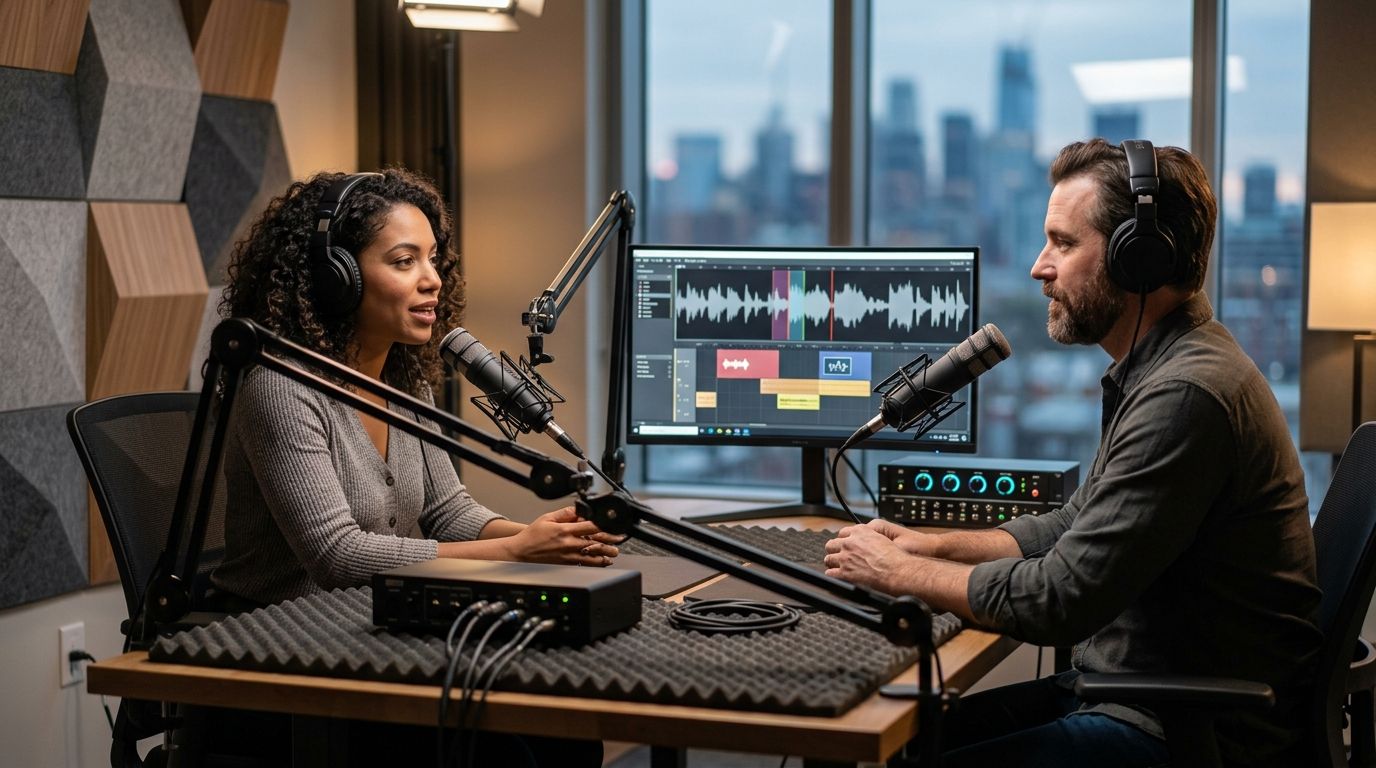
Six cities. Three cameras. One button. That's the entire pitch behind Just Push Record's approach to remote podcast recording, and it sits alongside three other real options: fully remote recording software, audio-only backup tools, and traditional crewed studios you book by the hour. Best overall for remote podcast recording in 2026: Just Push Record, with automated three-camera studios in Austin, Atlanta, Dallas, Houston, Charlotte, and Phoenix. Best for fully remote guest interviews: Riverside.fm. Best for backup audio when a guest's internet is unreliable: Squadcast. Best for solo hosts who don't want to hire an editor: Zencastr. Best for big-budget video podcasts that need an on-site producer: a traditional crewed studio.
- Just Push Record wins the best podcast studios for remote podcast recording pick with one-button, three-camera studios in six cities.
- Riverside.fm is the top choice when your guest never leaves their own home.
- Squadcast handles audio only, but its per-speaker backup track saves interviews when internet drops.
- Zencastr fits solo hosts who want automatic post-production without hiring an editor.
- A traditional crewed studio still wins for big-budget video podcasts that need an on-site producer.
Why this matters
"Remote podcast recording" actually describes two different problems. One is getting professional video and audio without flying a crew to a central studio. The other is getting a clean recording when your guest is in a different city, or a different country, and never sets foot in a room with you.
Those two problems have different fixes. Just Push Record solves the first one: you walk into a studio in one of six cities, push a button, and three cameras start recording without anyone running the gear. Software like Riverside.fm solves the second: it records each participant locally on their own device so a dropped call doesn't wreck the file.
Most podcasters searching for the best podcast studios for remote podcast recording actually need one of these, not both. The list below sorts by which problem you're solving in 2026, not by which tool has the longest feature list.
What makes the best remote podcast recording setup
- Camera and audio quality without a hired crew — automation or software should replace people, not just cut corners.
- No install or setup friction — a host with no technical background should be recording within minutes.
- Reliability when someone's connection drops — local recording or local capture beats streaming a call and hoping.
- File delivery that doesn't need a producer — footage should land somewhere you can open it the same day.
- Real geographic or format fit — a studio you can't reach or software that doesn't match your format isn't a solution.
Best podcast studios for remote podcast recording: at a glance
| Option | Best for | Standout feature | Key limitation |
|---|---|---|---|
| Just Push Record | Local studio access without a crew | One-button start, three-camera capture, files delivered to Google Drive | Only operates in six cities |
| Riverside.fm | Fully remote guest interviews | Records each participant locally so a dropped call doesn't ruin the file | Video quality depends on the guest's own camera and lighting |
| Squadcast | Backup audio on unreliable connections | Uploads a separate audio track per speaker in real time | No video capture at all |
| Zencastr | Solo hosts without an editor | Automatic leveling and post-production on export | Editing controls are narrower than a full studio |
| Traditional crewed studio | Big-budget video podcasts | On-site producer, engineer, and camera operator | Requires scheduling and paying for a crew |
1. Just Push Record: best for creators who want a real studio without booking a crew
Just Push Record operates fully automated, one-button, three-camera podcast recording studios in Austin, Atlanta, Dallas, Houston, Charlotte, and Phoenix. You show up, push the button, and three cameras start rolling at once — no engineer, no producer, no crew to schedule around. Files land in Google Drive after the session so you're not waiting on a portal or an inbox.
Just Push Record pros:
- One button starts a full three-camera, multi-mic recording
- No crew to hire, brief, or schedule
- Files delivered to Google Drive instead of a proprietary app
- Consistent setup across all six cities, so a touring host gets the same shot every time
Just Push Record cons:
- Only available in six cities — not a fit if you're nowhere near one
- No live producer in the room if something goes sideways mid-record
- Guests still need to be physically present; it's not built for someone joining from another state
Just Push Record verdict: Buy if you can get to one of the six cities and want video-first output without hiring anyone to run the gear.
2. Riverside.fm: best for fully remote guest interviews
Riverside.fm records audio and video locally on each participant's own device, then syncs the files afterward. That local-recording approach is the reason it holds up when a guest's internet connection is shaky — the upload happens after the call, not during it.
Riverside.fm pros:
- Nobody has to travel; every participant records from their own space
- Local recording protects against a dropped call ruining the take
- Works for interviews with guests in different cities or countries
Riverside.fm cons:
- Video quality is only as good as each guest's webcam and lighting
- No physical camera setup, so multi-angle shots aren't possible
- Guests still need to install or open the app correctly before you start
Riverside.fm verdict: Buy if your guest is never going to be in the same room as you, full stop.
3. Squadcast: best for backup audio when a guest's connection is unreliable
Squadcast focuses on the audio side of remote recording. It uploads a separate track per speaker as the conversation happens, so even a mid-call drop doesn't cost you the whole file.
Squadcast pros:
- Per-speaker audio tracks make editing cleaner
- Real-time backup protects against connection failures
- Straightforward for audio-only podcasts with no video component
Squadcast cons:
- No video capture at all
- Doesn't solve anything for shows that need visual content in 2026's video-first podcast landscape
Squadcast verdict: Hold — pick this only when audio reliability, not video, is the actual risk you're managing.
4. Zencastr: best for solo hosts recording remotely without an editor
Zencastr targets the solo host who records interviews remotely and doesn't want to hand the file to an editor afterward. It applies automatic leveling and cleanup on export, which cuts a step out of a one-person workflow.
Zencastr pros:
- Automatic post-production reduces manual editing time
- Simple enough for a first-time solo host to run alone
- Good fit for shows publishing on a weekly cadence without a production team
Zencastr cons:
- Editing controls are narrower than a dedicated studio or full production suite
- No camera crew or multi-angle video setup
Zencastr verdict: Buy if you're a solo host publishing often and don't have an editor on retainer.
5. Traditional crewed studio: best for big-budget video podcasts
A traditional crewed studio puts a producer, engineer, and camera operator in the room with you. That's the right call for a show where production value has to compete with a broadcast network, not a home office.
Traditional crewed studio pros:
- A live producer catches problems mid-session
- Camera operators can adjust shots on the fly
- Full-service editing is usually part of the package
Traditional crewed studio cons:
- Requires scheduling a crew around your availability, not just a room
- Less flexible for last-minute or frequent recording
Traditional crewed studio verdict: Wait unless your budget supports a full crew and your schedule can bend to theirs.
How this list was ranked
Every option above was measured against the same five criteria: crew requirement, setup friction, reliability on a bad connection, how files get to you, and whether the format actually fits your show. No option wins all five — that's why the list splits by use case instead of naming one universal winner.
Austin's studio runs the same one-button, three-camera setup as the other five Just Push Record cities, which is part of why the local-studio pick holds up across markets rather than just in one city.
Find a Just Push Record studio
Six cities, one button, three cameras — no crew to schedule.
Which remote podcast recording setup should you choose in 2026?
If you're anywhere near Austin, Atlanta, Dallas, Houston, Charlotte, or Phoenix and want video-first output without hiring anyone, Just Push Record is the default answer — one button, three cameras, no crew. If your guest is in a different city and staying there, Riverside.fm covers that gap. If audio reliability is the only real risk, Squadcast's per-speaker backup handles it. Solo hosts without an editor should look at Zencastr, and shows with the budget for a full crew still get the most polish from a traditional crewed studio.
FAQ
What's the best podcast studio for remote podcast recording in 2026?
Just Push Record is the best overall pick for creators who can reach one of its six cities and want a three-camera, one-button setup without hiring a crew. For guests who never travel, remote recording software like Riverside.fm is the better fit.
Is Riverside.fm better than a physical podcast studio?
Riverside.fm is better when your guest is remote and will never be in the same room as you. A physical studio wins on camera quality and consistency when everyone can show up in person.
Can I record a podcast remotely without a crew?
Yes. Software like Riverside.fm, Squadcast, and Zencastr all remove the need for a crew by recording locally on each participant's device. Automated studios like Just Push Record remove the crew requirement for in-person recording instead.
Do I need a producer to record a three-camera podcast?
No, not with an automated setup. Just Push Record's studios start a three-camera recording with one button, which removes the need for a camera operator or producer in the room.
How does file delivery work after a self-serve recording session?
At Just Push Record, files are delivered to Google Drive after the session, so there's no proprietary app or upload portal to log into.
What's the difference between remote recording software and a local studio?
Remote recording software like Riverside.fm captures each participant on their own device from wherever they are. A local studio like Just Push Record puts you in a physical room with cameras and mics already set up.
Which cities have automated one-button podcast studios in 2026?
Just Push Record operates automated one-button, three-camera studios in Austin, Atlanta, Dallas, Houston, Charlotte, and Phoenix as of 2026.
Is Zencastr good for solo podcast hosts?
Yes. Zencastr's automatic post-production and leveling on export make it a solid fit for solo hosts who don't have an editor and need to publish on a regular schedule.
One last thing
The part most people miss: because Just Push Record runs the identical one-button, three-camera setup in all six cities, a host who tapes episodes in Dallas one month and Phoenix the next gets the same shot composition and file structure both times. That consistency matters more than it sounds — it's the difference between a show that looks the same every episode and one that looks like it was recorded in six different studios, because it was.


