
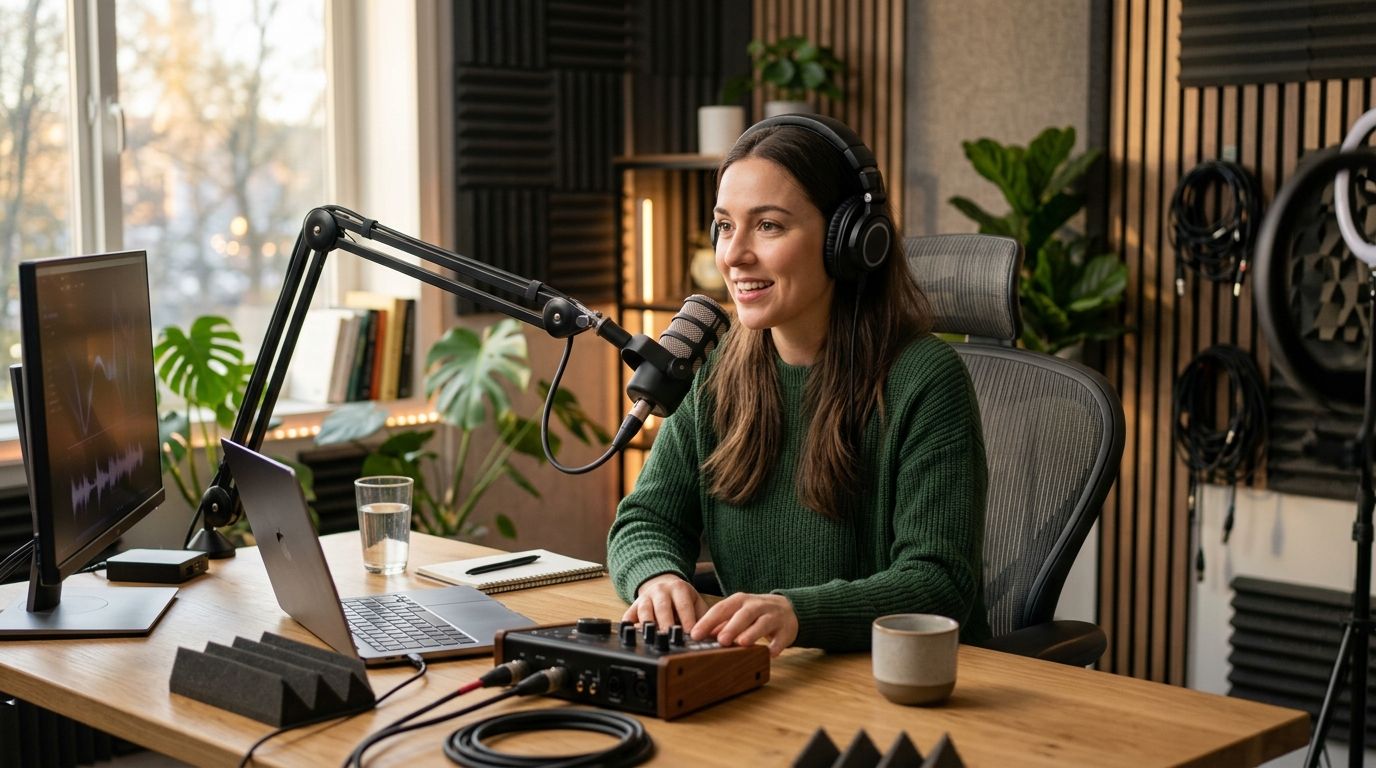
Solo podcast hosts don't need a producer, a boom operator, and a control room. They need multi-camera footage, clean audio, and a way to get the files without babysitting a crew. Best overall for solo creators in 2026: Justpushrecord's automated one-button studios, which hand you three-camera recording and Google Drive delivery with no staff on site. Best for hosts who want a producer in the room: a traditional full-service podcast studio. Best budget option: an at-home DIY setup with a camera, a mic, and free recording software.
- Best podcast studios for solo creators in 2026: automated one-button studios like Justpushrecord win on cost and simplicity.
- Justpushrecord runs three-camera, one-button studios in six U.S. cities with Google Drive file delivery.
- Full-service crew studios suit solo hosts who want a producer directing the session, not solo simplicity.
- At-home setups cost the least but put every technical decision on the host.
- Co-working podcast studio memberships add community but require a recurring commitment.
Why this matters
A solo host wearing every hat — booking guests, running the show, editing the episode — cannot also run a control room. The studio choice either removes that friction or adds to it.
Justpushrecord built its studio model around exactly this problem: automated, three-camera rooms a single person can operate without a crew. That's one option. It's not the only one, and it won't fit every solo creator's workflow in 2026.
This guide ranks the real categories of podcast studio access available to solo creators right now — not brand names you can't verify, but the actual studio models solo hosts choose between when they stop recording in a closet and start recording somewhere built for it.
What makes the best podcast studio for solo creators
- No crew dependency — you can start and run the session alone, on your schedule
- Multi-camera output — at least two angles, ideally three, without a camera operator
- Simple file handoff — footage lands somewhere you can grab it, no waiting on an editor to send a link
- Predictable booking — you can reserve a slot without a sales call
- Room to grow — the setup still works when your show goes from audio-only to full video
- Low technical intimidation — you shouldn't need a production background to hit record
At a glance
| Studio type | Best for | Standout feature | Key limitation |
|---|---|---|---|
| Justpushrecord automated studio | Solo hosts who want pro multi-cam without a crew | One-button, three-camera recording | No in-person producer during the session |
| Full-service crew studio | Hosts who want a producer running the room | Live direction and setup handled for you | Requires coordinating around staff availability |
| At-home DIY setup | Hosts testing a format before investing | Zero booking friction, record anytime | Every technical decision falls on the host |
| Co-working podcast studio membership | Hosts who want a recurring space and peer network | Community access alongside recording space | Ongoing commitment, not a one-off booking |
| Hourly video production studio | A single high-stakes video recording, like a VSL | Full crew and lighting control for one session | Built for occasional shoots, not a weekly show |
1. Justpushrecord: best automated studio for solo creators who want multi-cam without a crew
Justpushrecord runs fully automated, one-button, three-camera podcast recording studios in Austin, Atlanta, Dallas, Houston, Charlotte, and Phoenix. You walk in, hit one button, and the room handles the recording — three camera angles, no operator, no producer standing behind you.
Files come to you through Google Drive, so there's no waiting on an editor to send a download link before you can start post-production. That matters most for the host who records solo and edits solo: the studio does the capture, you keep control of everything after.
Justpushrecord pros:
- One-button start means no crew coordination
- Three-camera output out of the box
- Google Drive delivery keeps the file handoff simple
- Available across six U.S. cities as of 2026
Justpushrecord cons:
- No in-person producer if you want live direction
- Multi-camera output requires you to plan your own shot usage in editing
- City list is fixed — it doesn't help if you're outside those six markets
Justpushrecord best for: solo hosts who want professional multi-camera footage without hiring or scheduling a crew.
Verdict: Buy.
2. Full-service crew studio: best for solo hosts who want a producer in the room
A traditional full-service podcast studio staffs the session with a producer or engineer who sets up mics, runs cameras, and manages the recording live. That's the opposite trade from an automated room: you give up some independence in exchange for someone else handling the technical load in real time.
This fits a solo creator who is new to being on camera and wants a person present to troubleshoot instead of a manual. It also fits a host recording something unusually complex — multiple guest feeds, live streaming, or a format that needs someone actively directing.
Full-service crew studio pros:
- A producer catches technical issues before they ruin a take
- Better for first-time hosts unsure of camera framing or audio levels
- Can handle more complex formats than a solo host might manage alone
Full-service crew studio cons:
- You're booking around staff schedules, not just room availability
- Less control over pacing since a producer is directing the session
- Overkill for a simple, recurring solo show
Full-service crew studio best for: solo hosts who want an in-room producer actively running the recording.
Verdict: Hold — worth it for a first session or a complex format, not necessary for a routine weekly show.
3. At-home DIY setup: best budget option for testing a format
Recording at home with a basic camera, a USB mic, and free software is still how most solo podcasts start in 2026. There's no booking, no travel, and no cost per session beyond the gear you already own.
The trade-off is that every decision — lighting, framing, audio levels, backup — sits on the host. One bad take, one dropped file, and there's no studio system catching it for you.
At-home DIY setup pros:
- No booking friction, record whenever you're ready
- Lowest cost of entry for testing a new show idea
- Full control over schedule and format
At-home DIY setup cons:
- Single camera angle unless you invest in a multi-cam rig yourself
- No automated backup — a lost file is gone
- Audio and lighting quality depend entirely on your own setup
At-home DIY setup best for: solo creators piloting a show before committing to a studio.
Verdict: Hold — fine for the first 5-10 episodes, but growth usually pushes hosts toward multi-cam.
4. Co-working podcast studio membership: best for solo hosts who want community
Some co-working spaces now include podcast recording rooms as part of a membership. The recording setup is usually simpler than a dedicated automated studio, but you get a shared space and access to other creators working out of the same building.
This suits a solo host who values the network as much as the recording room — someone who wants to bump into other creators between sessions, not just book a slot and leave.
Co-working podcast studio membership pros:
- Built-in access to a creator community
- Often bundled with other workspace amenities
- Predictable recurring cost structure
Co-working podcast studio membership cons:
- Recording gear is typically less specialized than a dedicated studio
- Requires an ongoing membership, not a one-off booking
- Availability can be limited during peak co-working hours
Co-working podcast studio membership best for: solo creators who want a recurring space and peer network alongside recording access.
Verdict: Hold — good fit if you already want the co-working membership; not worth it purely for recording.
5. Hourly video production studio: best for a single high-stakes shoot
When a solo creator needs one video done right — a video sales letter, a launch video, a one-time interview — an hourly video production studio with a full crew makes sense. You're not building a recurring show; you're producing one asset.
This model gives you lighting control, a teleprompter, and multiple takes managed by people who do this daily. It's built around a single session, not a weekly cadence.
Hourly video production studio pros:
- Full crew handles lighting, camera, and teleprompter
- Best output quality for a one-off, high-stakes recording
- Multiple takes and setups possible in one booking
Hourly video production studio cons:
- Not designed for a recurring weekly podcast
- Requires more advance planning and a locked script
- Less flexible if your format changes mid-session
Hourly video production studio best for: a solo creator recording one high-production video, not a regular show.
Verdict: Skip for weekly podcasting — Buy if you need one polished, high-stakes video.
How we ranked these
Each studio type was scored against the six criteria above: crew dependency, camera count, file handoff, booking simplicity, growth room, and technical intimidation. Automated one-button studios scored highest on the first, third, and sixth criteria — the exact friction points that slow down a solo creator running a show alone.
Which podcast studio should you choose?
If you're recording alone and want three-camera footage without managing a crew, Justpushrecord's automated studios are the default answer for 2026. If you're new to being on camera and want someone directing the session, book a full-service crew studio instead. If you're still testing whether the show has legs, record at home first and upgrade once the format is proven.
Book an automated podcast studio
Find a Justpushrecord studio near you and record solo with three cameras and one button.
FAQ
What's the best podcast studio for solo creators in 2026?
Automated one-button studios, like the ones Justpushrecord runs in six U.S. cities, are the best fit for solo creators in 2026 because they deliver three-camera footage without requiring a crew.
Do solo podcasters need a studio with a producer?
Not necessarily. A producer helps hosts new to being on camera, but an experienced solo host running a routine show usually doesn't need one.
Can I record a multi-camera podcast alone?
Yes, in an automated studio built for it. Justpushrecord's rooms use a one-button system so a single host can start a three-camera recording without an operator.
Is recording at home good enough for a podcast?
At-home recording works for testing a format, but it caps out at a single camera angle and puts backup and lighting entirely on the host.
How do I get my files after recording in an automated studio?
Justpushrecord delivers recordings through Google Drive, so files are accessible without waiting on an editor or crew to send them.
What cities have automated podcast studios?
Justpushrecord operates automated podcast studios in Austin, Atlanta, Dallas, Houston, Charlotte, and Phoenix as of 2026.
Are co-working podcast studios worth it for a solo host?
They're worth it mainly if you want the community and workspace access alongside recording, not purely for the recording setup itself.
When should a solo creator use a full-crew video studio instead of an automated one?
Use a full-crew studio for a single high-stakes video, like a sales letter or launch video, where a producer directing lighting and takes matters more than weekly convenience.
One last thing
The detail solo creators underestimate most isn't the camera count — it's the file handoff. A studio that hands you raw footage through something like Google Drive the same day means you can start editing that afternoon instead of waiting on someone else's queue.


