
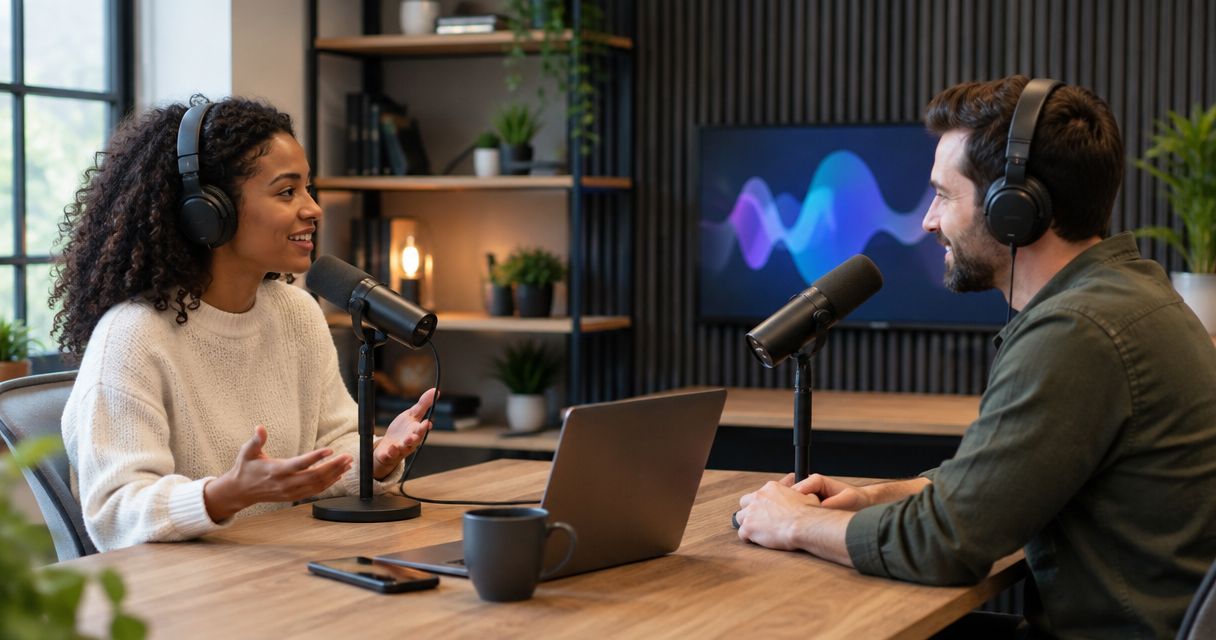
Yes, you can record a livestream in a podcast studio when the setup supports both live broadcasting and file recording. A studio booking does not automatically include streaming: confirm the outgoing video feed, audio routing, internet connection, and local recording before you schedule the broadcast.
- Can you record a livestream in a podcast studio? Yes, with confirmed streaming support and a separate recording workflow.
- YouTube broadcasting and local podcast recording are separate tasks; test both before inviting viewers.
- Choose a live broadcast for audience interaction; choose prerecorded video when editing control matters more.
- Confirm who operates the stream, monitors audio, and saves the recording before booking.
Can you record a livestream in a podcast studio?
Yes. The studio needs a working path from its microphones and cameras to your streaming platform, plus a way to save the session. Recording equipment alone does not establish that path. A camera can record footage without sending a usable live feed to your broadcast software.
Start by separating the result you want from the equipment in the room. If your main goal is a finished video podcast, read about recording video and audio at the same time. Adding a live audience creates a separate production task.
| Approach | Best for | Main advantage | Main limitation | Confirm before booking |
|---|---|---|---|---|
| Livestream with a local recording | Live interviews, audience questions, and events | Viewers participate while you retain a recording | Someone must manage the broadcast and check the saved files | Live output, platform connection, operator, and recording destination |
| Livestream with a platform archive | Events where the platform replay meets your needs | The platform handles the audience-facing replay | The archive does not replace a separate local master | Replay settings, account access, and download options |
| Prerecorded studio session | Edited interviews, business videos, and scheduled releases | You can correct mistakes before publication | Viewers cannot interact with the original recording | File delivery and your editing and publishing workflow |
These approaches are not interchangeable. For your 2026 booking, specify whether you need a live broadcast, a saved recording, or both. Put that requirement in writing rather than relying on the phrase video podcast studio.
Why this matters
A recording session can tolerate a restart. A live audience sees the restart. That changes how you prepare, assign responsibilities, and handle mistakes.
A studio can provide the physical recording environment while you remain responsible for the streaming account and broadcast controls. Establish that boundary before you commit to a live event. Otherwise, you can arrive ready to speak without anyone ready to start or monitor the stream.
The practical question is not just whether the room has cameras. Ask whether the complete workflow has been tested with your destination, account, and recording plan.
What must a studio support for a livestream?
Think of livestreaming as a connected chain. Audio and video must reach the broadcast system, the broadcast system must reach the platform, and the recording must reach a storage destination.
A usable live video feed
Ask how the camera picture reaches your streaming software or hardware encoder. Do not assume that a camera recording internally also provides an accessible feed for your laptop.
If the session uses multiple camera angles, decide who selects the live picture. A finished multicamera recording and a live-switched program are different deliverables. Confirm which one your session requires.
A complete audio feed
Your stream needs the intended microphones, not an accidental laptop microphone. If you add remote guests, playback, or presentation audio, include those sources in the test.
Listen to the outgoing broadcast as well as the sound inside the room. Headphones connected to a local microphone do not prove that viewers receive the same signal.
A tested internet connection
Ask which connection the broadcast will use and whether you can test it with your streaming platform. Follow that platform's current connection and encoding guidance rather than using an assumed universal setting.
A connection that supports ordinary browsing is not proof that your broadcast configuration works. Test the actual outgoing audio and video together.
A confirmed recording destination
Decide whether you need a local program recording, separate source files, a platform replay, or some combination. Ask who starts each recording and who checks it afterward.
Treat the platform archive as its own deliverable. Do not assume that turning on a stream also saves the source files you want for editing.
How do you prepare a studio livestream?
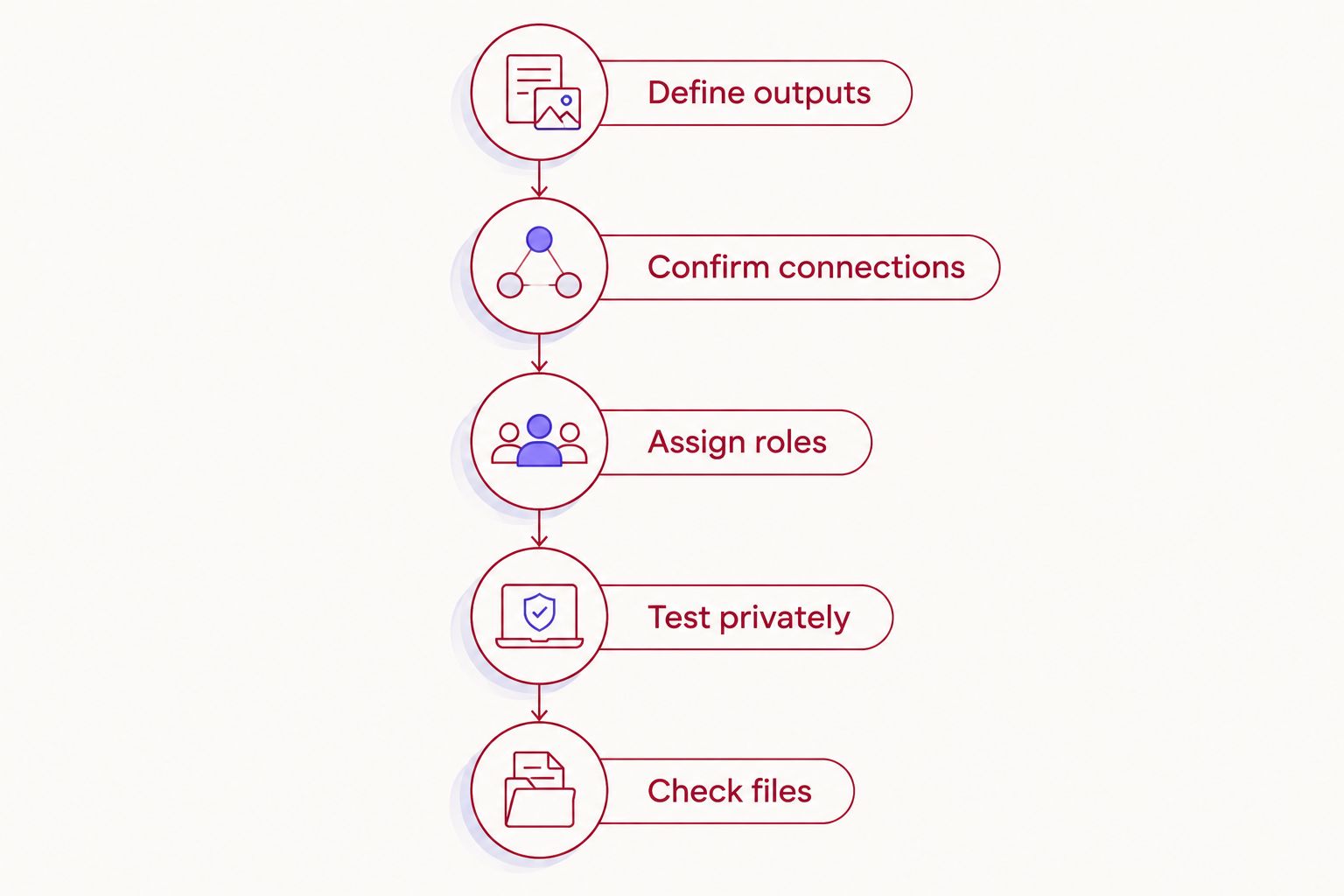
Use the same preparation sequence for a solo broadcast, an interview, or a business presentation. Complete the technical decisions before you arrive so the session is not spent negotiating responsibilities.
- Define outputs. Write down where viewers will watch and which files you need afterward. Include any separate audio episode or edited video deliverable.
- Confirm connections. Ask how the room's audio and video reach the streaming system. Confirm permitted equipment, account access, and responsibility for setup.
- Assign roles. Name the person who starts the broadcast, checks the outgoing feed, monitors questions, and starts the recording. Combine roles only when the operator can manage them.
- Test privately. Use the platform's private, unlisted, or test workflow where supported. Check the viewer experience, not just the preview inside the broadcast software.
- Check files. Make a test recording and play it back. Confirm that picture, speech, and any remote contributions are present before the actual session.
A 2026 livestream checklist should describe actions, not just equipment. “Microphones present” is less useful than “viewer audio checked.” The latter tells you whether the system does its job.
Keep the checklist with the person operating the broadcast. The host needs to know when the session starts and how to signal a problem, but should not have to diagnose every connection while interviewing a guest.
Why livestream setups vary between podcast studios
The room's recording capability is only part of the answer. These factors determine what you need to arrange:
- Camera access. The broadcast system needs an accessible video signal, not merely footage saved inside a camera.
- Audio routing. In-room microphones, remote guests, and playback need a deliberate route to the stream and recording.
- Network access. Confirm the connection you are permitted to use and test it with your intended broadcast settings.
- Operating responsibility. Establish whether you, a colleague, or a separately arranged operator manages the live session.
- Recording scope. A program recording, separate camera files, and a platform replay serve different editing needs.
- Guest format. Remote participants add return audio and connection checks that an entirely in-room conversation does not require.
Use these factors to compare workflows, not to judge studios by camera count alone. More camera angles do not answer who monitors the stream or where the recording goes.
When does a self-serve podcast studio fit?
Justpushrecord is best for hosts who want self-serve, three-camera podcast recording without a crew. Its automated podcast studio model uses one button to record, with files delivered through Google Drive.
That is a concrete recording workflow: 3 cameras, 1 button, and file delivery. It is not, by itself, confirmation of a live broadcast workflow. For a 2026 live event, ask specifically whether your intended streaming setup is supported before treating the recording session as a broadcast booking.
Justpushrecord fits the recording side of this decision when you want to capture a show without bringing a crew. The limitation to resolve is separate: your live event still needs a confirmed platform connection, stream operator, and recording plan.
If audience participation is optional, record the episode first and publish it after review. If live questions are central to the format, resolve the broadcast requirements before choosing the session workflow.
Review the studio recording setup
Explore self-serve, three-camera podcast recording with Google Drive file delivery.
Can you save a livestream and edit it afterward?
Yes, if the session produces a saved recording you can access and edit. Confirm the file source before the broadcast. A platform replay and a local recording are not the same deliverable.
For editing, ask whether you will receive the live-switched program or separate recordings. A program file preserves the camera choices made during the broadcast. Separate source recordings provide different editing options, but do not assume they are included.
Before your 2026 session, decide which version serves your publishing plan. An audio episode, a full video replay, and short excerpts each need a usable source, even if they originate from the same conversation.
Can you livestream without a producer or crew?
Yes, when you can operate and monitor the complete workflow yourself. An automated recording process reduces recording tasks, but it does not automatically handle platform access, audience questions, or broadcast troubleshooting.
For a solo host, simplify the format before adding live switching, remote callers, or presentation playback. Assign a separate operator when the host's attention needs to stay on the conversation. That is a workload decision, not a requirement to build a large production team.
Should you livestream or record first?
Choose livestreaming when audience participation is part of the content. Choose recording first when review and editing matter more. Neither format is automatically better for a podcast.
A live interview can include questions from viewers, but the host must handle mistakes in public. A prerecorded interview gives you room to correct names, remove interruptions, and review sensitive material before release.
For your 2026 production plan, choose the format based on what viewers need to do. If they only need to watch the finished conversation, live transmission adds a task without necessarily adding a useful interaction.
FAQ
Can you record a livestream in a podcast studio and keep a separate copy?
Yes, when the setup supports a separate recording alongside the broadcast. Confirm where that copy is saved and test playback before the live session.
Does a podcast studio with cameras automatically support livestreaming?
No. Cameras establish video capture, but livestreaming also needs an accessible output, audio routing, a platform connection, and someone to operate the broadcast.
Can I livestream to YouTube from a podcast studio?
Yes, if the studio setup can send audio and video to your YouTube broadcast workflow. Confirm your account's live access and test the complete connection before scheduling viewers.
Can I use a platform replay instead of a local recording?
Yes, if the replay meets your publishing and editing needs. A platform replay is not a substitute for separate source recordings when your editing plan requires those files.
Does Justpushrecord's one-button recording mean my show goes live?
One-button recording does not establish livestream support. Justpushrecord's stated podcast studio workflow is automated three-camera recording with Google Drive file delivery; confirm live broadcasting separately.
Can I include a remote guest in a studio livestream?
Yes, with a setup that routes the remote guest's picture and audio into the broadcast and provides suitable return audio. Test the guest connection and the resulting recording before going live.
What should I ask before booking a podcast studio for a livestream?
Ask how the cameras and microphones reach your platform, who runs the broadcast, and how the recording is saved. Also confirm internet access, permitted equipment, and a test workflow.
One last thing
Play back the test recording. Do not stop at seeing a recording indicator. A saved file is useful only when it contains the picture and sound you intended to capture.
If you book Justpushrecord for podcast recording, keep Google Drive delivery separate from the live broadcast checklist. Recording, transmitting, and publishing are distinct actions. Give each one an owner before the session starts.


