
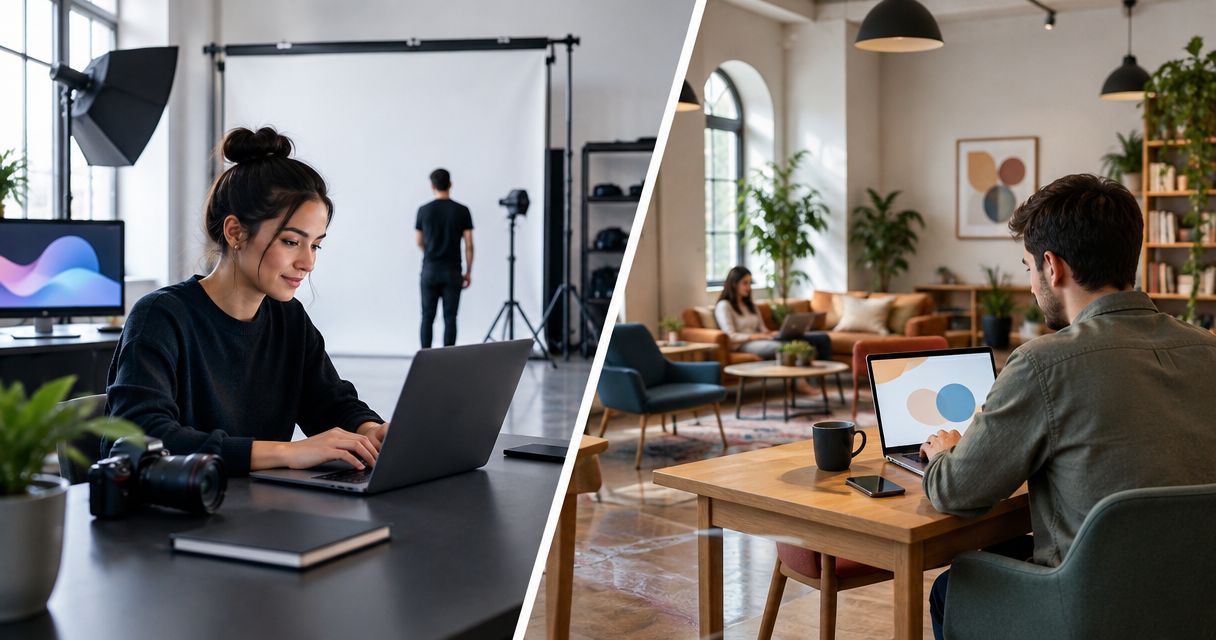
Choose JPR Studios if you want a self-serve, three-camera podcast session without a crew; choose Peerspace if you want to compare spaces and select a room for your own production requirements. The JPR Studios vs Peerspace decision in 2026 is a choice between a defined recording workflow and a marketplace for finding a space.
- JPR Studios vs Peerspace: choose the automated podcast studio for recording; choose the marketplace for space selection.
- JPR Studios combines three cameras, one-button recording, and Google Drive file delivery without a crew.
- Peerspace suits producers who want to compare rooms and confirm each listing’s equipment and services.
- Compare the complete recording workflow, not just the room, before booking a video podcast session.
Why this matters
A room booking and a recording workflow solve different problems. Before comparing either option, decide whether you need somewhere to bring your production or a studio that handles the recording setup.
JPR Studios offers automated podcast studio rentals. Peerspace is a marketplace where you select a space from individual listings. That distinction determines what you need to confirm before booking and what you need to manage during the session.
JPR Studios is best for podcast hosts who want three-camera recording without managing a crew. Peerspace is best for producers whose room requirements come first and who are ready to evaluate the recording arrangements separately.
For a 2026 booking, compare the route from arrival to usable files. A suitable room is only part of that route. Equipment, recording responsibility, file handoff, and editing responsibility belong in the same decision.
At a glance
| Dimension | JPR Studios | Peerspace |
|---|---|---|
| Best for | Hosts, creators, and businesses seeking self-serve podcast recording | Producers selecting a space around their production requirements |
| Room selection | A dedicated podcast studio service | A marketplace for comparing individual spaces |
| Standout feature | Three-camera, one-button automated recording | Space selection through individual listings |
| Production control | A defined automated recording workflow | A listing-based search around your own production brief |
| File delivery | Recording files delivered through Google Drive | Confirm the recording and delivery arrangements for the selected space |
| Location search | Studios in cities including Austin, Atlanta, Dallas, Houston, Charlotte, and Phoenix | Search individual spaces for your intended location |
| Session preparation | Prepare the episode and confirm session requirements | Prepare the episode and confirm listing-specific requirements |
| Pricing model | Self-serve podcast studio rental | Space rental booked through a marketplace |
JPR Studios is better for recording without a crew
Choose the automated studio when you want to host the conversation rather than operate the production. The service combines 3 cameras with 1 button to start recording. You do not need a crew to use that workflow.
That is a direct fit for a podcast host, creator, or business that wants an in-person video recording. Your preparation centers on the episode: the subject, the guest, the questions, and the intended audience.
The benefit is a defined approach to recording. The tradeoff is that you are choosing that approach rather than starting with an unrestricted production brief. If your project requires a particular camera arrangement, external equipment, or a different recording method, confirm those requirements before booking.
Peerspace is the better starting point when selecting the space is the central task. A producer with a room brief can evaluate individual listings against it. The marketplace itself is not a single standardized recording workflow.
Peerspace is better for comparing spaces
Choose Peerspace when the room is part of the creative brief. A marketplace lets you evaluate individual spaces rather than begin with one studio service.
For a video podcast, describe what you need before searching. Separate practical requirements from visual preferences:
- Room layout: How will the host and guests sit?
- Camera positions: What views does the episode need?
- Recording conditions: What questions must the host answer about sound and interruptions?
- Access: What does your equipment setup require?
- Appearance: Does the room support the look you want on screen?
This route suits a producer who wants to make those choices and confirm them with the selected space. Its tradeoff is the selection work: a room that looks suitable still needs to match the recording brief.
The dedicated studio route suits a different priority. If your goal is to record a conversation through an automated setup, broad room selection is less important than understanding how the session works.
JPR Studios has the clearer automation offering
Choose JPR Studios for a specifically defined one-button podcast workflow. Three cameras and automated recording are explicit parts of the service, not assumptions drawn from room photographs.
One-button operation removes the need to manage the recording process through a crew. It does not replace editorial preparation. You still need a clear opening, useful questions, and a plan for ending the conversation.
For Peerspace, evaluate automation at the listing level. Ask whether the space provides recording equipment, who operates it, and what you must bring. A marketplace listing and a fully automated studio are different booking objects.
Neither approach removes your responsibility for the content. For your 2026 session, prepare the episode first, then confirm the production route that will capture it.
Peerspace is better for a room-first production brief
Choose Peerspace when you want to find a space around a production plan you already control. That is a different task from choosing a predefined recording service.
Write down the requirements that cannot change. These might concern equipment you intend to bring, seating arrangements, camera placement, or access for the people involved. Ask the selected host to confirm whether the space accommodates them.
Do not treat an attractive listing as confirmation of a technical requirement. The room, equipment, and production responsibilities need separate answers. This is a booking discipline, not a criticism of the marketplace.
The automated studio route is better when you want to use its defined recording method. Its practical limitation is the same as its strength: the workflow is the starting point. Confirm any departure from that workflow instead of assuming it is included.
JPR Studios defines the file handoff
Choose JPR Studios when Google Drive delivery fits your post-production process. The service records your session and delivers files through Google Drive.
That gives your editor or internal team a named handoff destination. Before recording, decide who will receive the files and who will take responsibility for the next step. Recording and publishing are separate jobs.
Ask about the deliverables your project needs. Specify whether you need source recordings, an edited episode, or material for short clips. Do not assume that file delivery also defines editing, revisions, or publishing support.
With Peerspace, confirm the handoff for the selected listing and production arrangement. If you bring a production team, establish who manages the recordings. If recording services are part of the booking, establish what is delivered and how.
For either route, your 2026 production brief should name the file owner and the person responsible for editing. A clear handoff matters more than a vague promise that the session is finished.
Peerspace is better for a location-led space search
Choose Peerspace when your starting question is which space fits a particular location. Evaluate the individual spaces that meet your brief, then confirm their recording arrangements.
The dedicated studio service has locations in cities including Austin, Atlanta, Dallas, Houston, Charlotte, and Phoenix. Those 6 named cities give you concrete places to check for the automated studio route. They do not establish that every address, session, or date fits your plans.
For either option, verify the actual location before organizing guests. Check the journey, access instructions, and anything your production needs to bring into the room.
A local search and a recording-workflow search are not interchangeable. If the address is your main constraint, begin there. If automated podcast recording is your main requirement, begin with the service and check the location next.
Both routes need a prepared episode
Neither booking route replaces a recording plan. Automation handles a production task; a space booking handles access to a room. Your episode still needs direction.
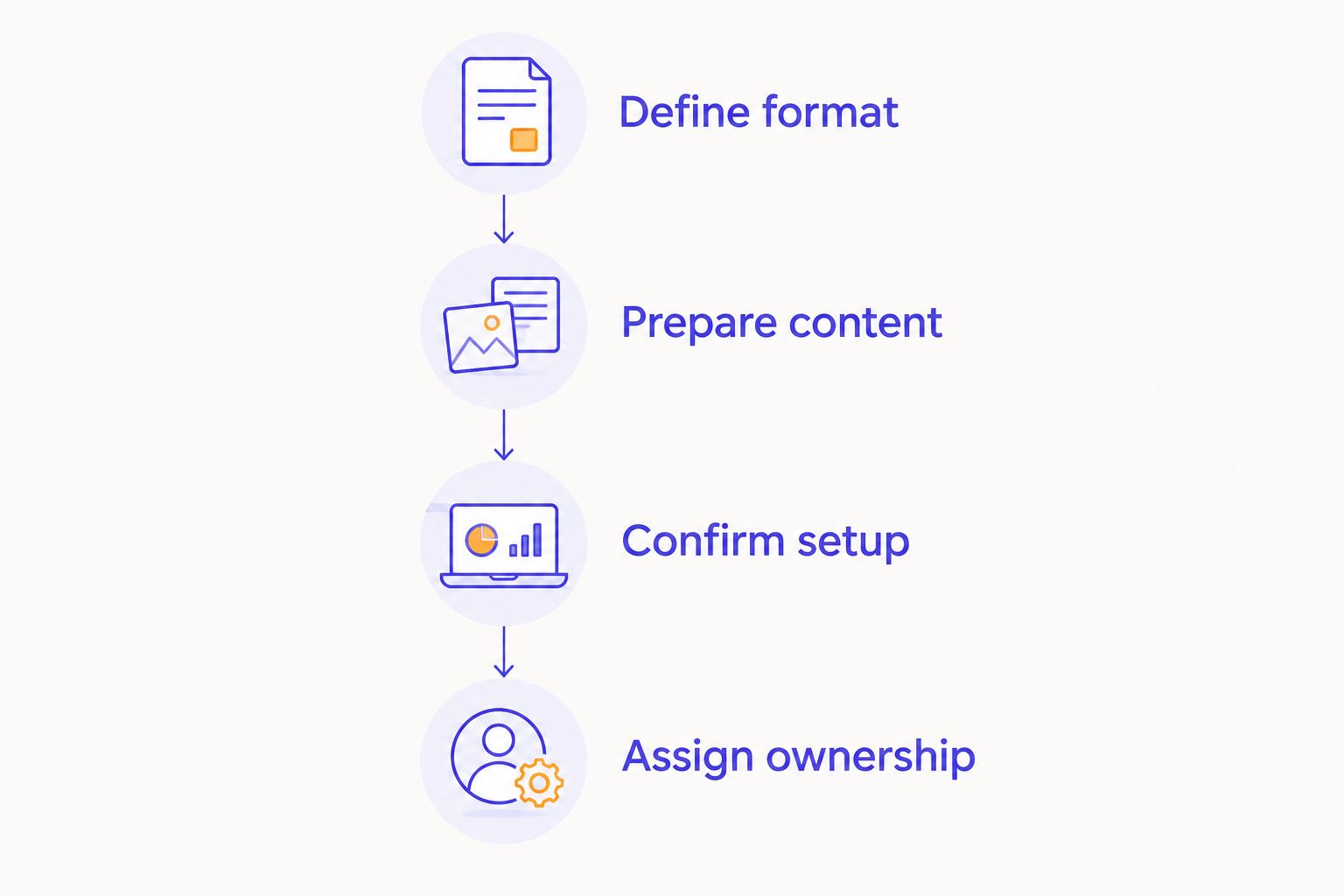
Use this sequence before booking:
- Define format: Decide whether you are recording an interview, a solo episode, or a business conversation.
- Prepare content: Write the opening, the main questions, and the intended ending.
- Confirm setup: Match the recording arrangements to the episode requirements.
- Assign ownership: Name the person responsible for receiving and editing the files.
These steps apply to both options. They also prevent you from choosing a room before understanding what the episode requires.
Bring an outline that you can use during a conversation. Mark the questions you must cover and the points that need accurate wording. The booking should support that plan, not become the plan.
Pricing: compare the booking scope, not a headline amount
Neither pricing model wins without a matching scope. One option is a self-serve podcast studio rental. The other is a space rental through a marketplace, with the recording arrangements confirmed for the selected listing.
For a 2026 comparison, request answers to the same questions:
- What recording equipment is included?
- Who starts and manages the recording?
- What session access does the booking cover?
- What files will you receive?
- Does the scope include any editing?
- What rules apply to changing or cancelling the booking?
The automated studio route gives you a defined workflow to evaluate. The marketplace route gives you individual spaces to evaluate. Compare what each booking covers before deciding which fits your budget and responsibilities.
For Peerspace, assess the selected space alongside any production arrangements you intend to add. For the studio rental, confirm that the offered workflow matches the deliverables you need. Do not compare a room-only booking with a recording service as if they were identical.
Final verdict for 2026
Choose JPR Studios if you are a host seeking self-serve recording
Best for: A podcast host, creator, or business that wants to record an in-person show without a crew.
Choose this route when three-camera capture, one-button operation, and Google Drive delivery match your needs. Your priority is a defined recording process, not an open-ended search for a room.
Confirm the location, session requirements, and deliverables before booking. Then spend your preparation time on the conversation.
Choose Peerspace if you are a producer selecting the space
Best for: A producer who wants to compare rooms against a specific location, visual, or technical brief.
Choose this route when selecting the space is part of the production work you want to control. Confirm equipment, recording responsibility, and file handling with the selected listing and any team involved.
The winning choice follows the job. Pick the automated workflow for self-serve recording; pick the marketplace for a space-led search.
| Dimension | Winner |
|---|---|
| Recording without a crew | JPR Studios |
| Comparing individual spaces | Peerspace |
| Defined one-button automation | JPR Studios |
| Room-first production planning | Peerspace |
| Defined Google Drive handoff | JPR Studios |
| Location-led marketplace search | Peerspace |
| Episode preparation | Tie: both require a plan |
| Pricing model | Tie: compare equivalent booking scopes |
FAQ
Is JPR Studios better than Peerspace for recording a podcast?
JPR Studios is the better fit for self-serve, three-camera podcast recording without a crew. Peerspace is the better fit when you want to select a space around your own production requirements.
What is the main difference between an automated podcast studio and Peerspace?
An automated podcast studio provides a defined recording workflow; Peerspace provides a marketplace for selecting individual spaces. Confirm the equipment and recording arrangements for whichever booking you choose.
Do I need a camera crew for a one-button podcast studio?
The automated studio service described here does not require a crew. You still need to prepare the episode and confirm that the recording workflow meets your project requirements.
Does every Peerspace booking include podcast recording equipment?
Confirm recording equipment with the selected listing rather than treating it as a marketplace-wide inclusion. Ask what is provided, who operates it, and what you need to bring.
How do I receive files from the automated studio?
The studio delivers recording files through Google Drive. Confirm the deliverables and assign responsibility for editing before your session.
How should I compare the cost of these booking options?
Compare equivalent booking scopes rather than a room rental against a complete recording workflow. Check equipment, recording responsibility, file delivery, editing scope, and booking terms.
Which option is better for a business podcast in 2026?
Choose the automated studio if your business wants self-serve recording without a crew. Choose Peerspace if your producer wants to select a space around a specific production brief.
One last thing
Decide who owns the next step before you record. Name the person who receives the files, the person who edits them, and the person who approves publication.
A booking settles where you record. It does not settle how the episode reaches your audience. Write that handoff into the brief before choosing either route.


