
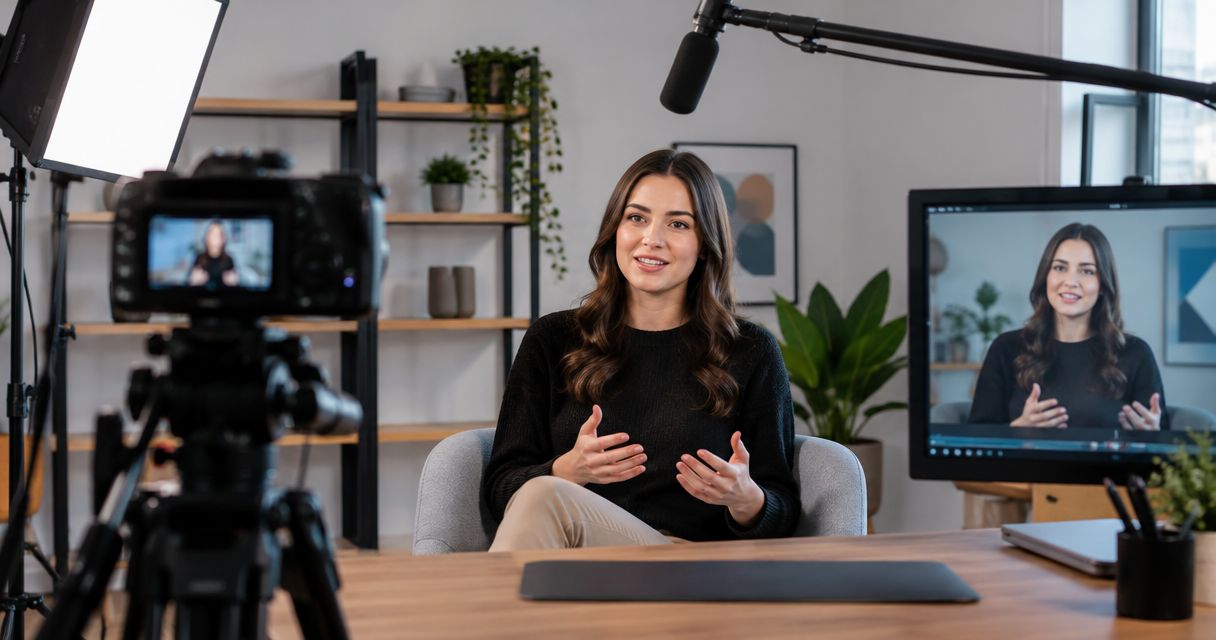
The cost to record a VSL in a studio depends on the recording session, production support, and editing you book; an hourly room rate alone does not establish the finished-video budget. For your 2026 project, separate the cost of capturing footage from the work needed to turn it into a publishable sales video.
- How much does it cost to record a VSL in a studio? Scope recording, editing, and delivery separately.
- Justpushrecord offers automated, three-camera recording for businesses that want to capture footage without a crew.
- Choose recording-only when your script is ready and someone already owns the edit.
- Confirm file delivery, revision scope, and final exports before booking your video sales letter session.
How much does it cost to record a VSL in a studio?
Budget for the finished sales video, not just access to the room. Ask for a written scope that separates the session from preparation, editing, and delivery. That makes studio proposals comparable without treating different services as the same purchase.
Use this breakdown when requesting a quote:
| Budget component | What to specify | What to confirm |
|---|---|---|
| Preparation | Approved script, presenter, and required visuals | Who handles script changes and rehearsal |
| Studio recording | Session length, camera coverage, and audio capture | What the booking includes |
| Production support | Direction, equipment operation, or self-serve recording | Whether anyone assists during the session |
| Editing | Take selection, camera cuts, audio work, and graphics | Whether editing is included or separate |
| Revisions | Feedback process and approval owner | Which changes fall within the agreed scope |
| Delivery | Source files, final exports, and destination | Which files you receive and how |
For the room portion of the decision, see the guide to podcast studio rental costs. Keep that comparison separate from your finished-VSL requirements.
A quote that covers recording alone is not equivalent to a quote that includes an approved final edit. Compare the deliverables first. Then evaluate the total against the work your team still needs to do.
Why this matters
A VSL booking has a capture stage and a publishing stage. The studio records your presentation; someone must still select takes, assemble the message, check the export, and place it on the intended page.
For a 2026 production plan, assign an owner to each stage before you book. A recording session does not resolve an unfinished script or an unassigned edit. Those tasks remain part of the project even when they sit outside the studio agreement.
The practical question is: what will you have when the booking ends? Raw footage, a selected take, and an approved sales video are different deliverables.
Recording-only: best for teams with an editor
Choose recording-only when your script is approved and your team can handle post-production. You are booking capture rather than assuming the studio will finish the video.
The advantage is a clear division of responsibility. Your presenter records the material, and your editor handles assembly. The limitation is equally clear: your team must manage take selection, graphics, revisions, and exports.
Give the editor the brief before recording day. Ask which files they need, whether they want separate camera footage, and how they want retakes identified. Confirm those requirements with the studio rather than assuming a particular delivery format.
Choose recording-only when the editing handoff already has an owner. Do not use it as a substitute for deciding how the video will get finished.
Recording with editing: best for a defined final deliverable
Choose a recording-and-editing scope when you want the agreement to cover a finished video. Describe that video before requesting the quote: its destination, intended structure, graphics, captions, and approval process.
The advantage is that the final deliverable becomes part of the brief. The limitation is that unspecified changes still need decisions. A new script, new footage, and a correction to an existing edit are not interchangeable requests.
| Recording approach | Best for | Main advantage | Responsibility to resolve |
|---|---|---|---|
| Recording-only | Teams with an editor | Keeps capture separate from post-production | Your team owns the finished edit |
| Recording with editing | Teams requesting a final video | Defines capture and finishing together | Agree on revisions and exports |
| Crew-supported recording | Presenters requesting live direction | Makes on-set responsibilities explicit | Specify what the crew handles |
| Automated recording | Prepared presenters handling their own session | Allows recording without a crew | Confirm setup instructions and file handoff |
These are scope choices, not price rankings. A crew-supported session can still require a separate editing agreement. An automated session can still feed a professional editing workflow.
Automated recording: best for prepared presenters
Justpushrecord is best for prepared creators and businesses that want automated, three-camera studio recording without a crew. Its studios use 1 button to operate a recording setup with 3 cameras, with files delivered through Google Drive.
That setup fits a presenter who has a clear script and an editing plan. The trade-off is responsibility: prepare the message yourself and confirm any assistance, editing, or additional equipment before booking. Do not treat automated capture as a promise of creative direction or a finished VSL.
For a Justpushrecord VSL recording, make the handoff explicit. Name the person who receives the Google Drive files and the person who turns those files into the approved video. Confirm the delivery details for your session directly.
Why VSL recording costs vary
Your 2026 brief should describe the work rather than asking studios to interpret the phrase “a simple sales video.” Use these scope factors:
- Recording scope. Specify the presentation, alternate openings, closing lines, and any separate inserts you want to capture.
- Production support. State whether you will operate an automated session or need someone to direct and manage the recording.
- Script readiness. Identify whether the script is approved or still needs writing and review.
- Editing scope. Distinguish a straightforward assembly from work involving graphics, captions, demonstrations, or supplied footage.
- Revision scope. Define who approves the edit and what feedback the editor should expect.
- Delivery scope. List source files and final exports separately, including the formats your publishing team requires.
These factors describe different work. Ask each provider to quote the same brief. Otherwise, a difference between proposals tells you little about which one meets your needs.
How do I scope a VSL before booking?
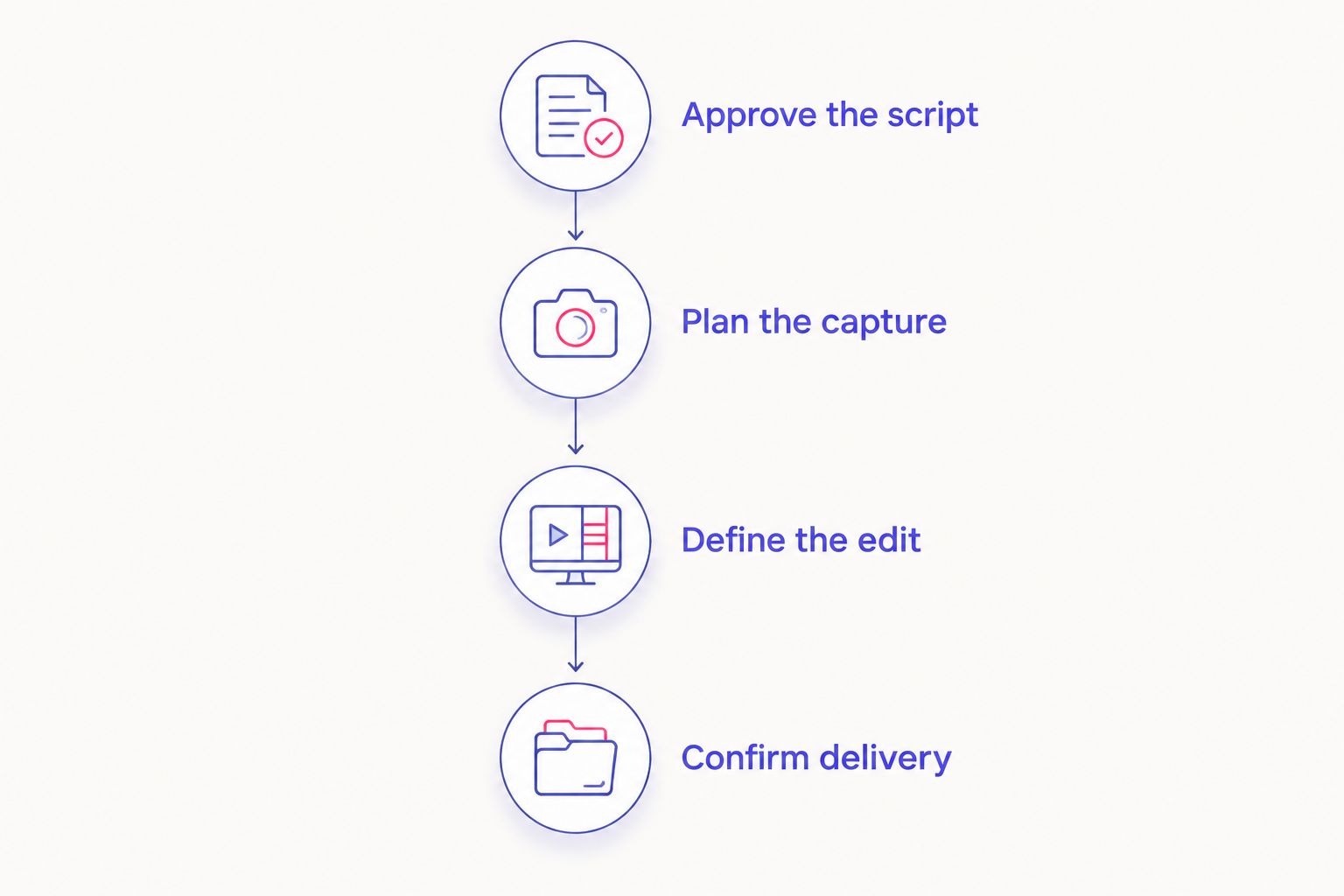
Write the production brief in the order the work happens. Keep it short enough for the presenter, studio, and editor to use the same document.
- Approve the script. Settle the audience, claim, supporting material, and call to action before recording. Flag any wording that needs internal review.
- Plan the capture. List the main presentation and any alternate sections. Decide whether the presenter needs live direction, reading support, or a conversational delivery.
- Define the edit. Describe how the selected footage should become the final video. Identify supplied graphics, captions, and any material the editor must add.
- Confirm delivery. Assign file recipients and approval owners. Specify what the publishing team needs to upload and review.
Rehearse the approved script aloud before choosing the session length. Mark difficult passages and decide where a clean restart belongs. Then discuss booking length with the studio using your actual presentation rather than a generic estimate.
For your 2026 brief, keep recording instructions separate from editing instructions. The presenter needs to know what to say and where to restart. The editor needs to know which message, take, and ending to use.
Do I need a crew to record a VSL?
A crew is not required for every VSL. Automated studios support recording without a crew; crew-supported production is a separate choice when you want people assigned to on-set tasks.
Choose based on responsibility, not appearances. If you want someone to evaluate delivery, watch continuity, or direct retakes, request those services explicitly. If you can manage your presentation and follow studio instructions, self-serve recording is an option.
Read the guide to recording without a producer or crew before deciding which responsibilities you want to keep.
Does studio rental include VSL editing?
Studio rental and editing are separate scope items unless the booking agreement explicitly combines them. Confirm this before paying for a session, even when a studio provides video recording.
Ask what “edited video” means in the proposal. It should identify the finished output, included editing tasks, feedback process, and delivery method. File access alone does not tell you whether an edit is included.
For a 2026 agreement, write down the distinction between changing the edit and changing the underlying message. Replacing a take uses recorded material. Rewriting a section can require another recording decision.
What should I confirm before recording day?
Get answers you can act on. Avoid a booking conversation that stops at “video is included.”
- Confirm the session duration and the work expected within it.
- Ask whether reading support is provided or needs another arrangement.
- Confirm how to start, stop, and identify a retake.
- Ask what happens when you need help during the session.
- Identify the files you receive and the delivery method.
- Confirm whether editing, captions, graphics, and exports are included.
- Assign the final approval to a named person on your team.
For Justpushrecord studio recording, the verified workflow includes automated, one-button capture and Google Drive file delivery. Confirm your session-specific requirements rather than adding assumptions to that workflow.
Plan your studio recording
Review automated, three-camera recording and confirm the requirements for your VSL session.
FAQ
How much does it cost to record a VSL in a studio?
The project cost depends on recording time, production support, editing, revisions, and delivery. Request an itemized quote for the finished video rather than treating the room rate as the complete budget.
What's the best studio setup for a VSL?
The best setup matches your presenter and production responsibilities. Prepared presenters can use automated recording; teams requesting live direction should specify that support in the booking brief.
Can I record a VSL without a camera crew?
Yes, an automated recording studio supports capture without a camera crew. You still need a prepared presentation and a plan for selecting takes and editing the footage.
Does a three-camera recording include a finished sales video?
Three-camera recording describes the capture setup, not the editing agreement. Confirm whether your booking includes take selection, camera cuts, graphics, captions, and final exports.
Should I finish my script before booking a studio?
Approve and rehearse your script before choosing the session length. Use the rehearsal to identify difficult passages, planned restarts, and the material you need to capture.
Does Justpushrecord deliver recording files through Google Drive?
Justpushrecord delivers recording files through Google Drive. Confirm the recipient, file details, and delivery arrangements for your session before booking.
Can I record alternate VSL openings in the same session?
Include alternate openings in your recording brief and confirm that the booking covers the planned material. Label each version clearly so the editor knows which opening belongs in each export.
One last thing
Put the call to action in the recording checklist, not just the script. Before you finish, confirm that you captured the closing line you actually intend to publish.
A polished presentation with an outdated destination or an unfinished ending still needs a correction. Check the final instruction while you are in the recording session. That is the specific line your viewer must understand after the pitch.


