
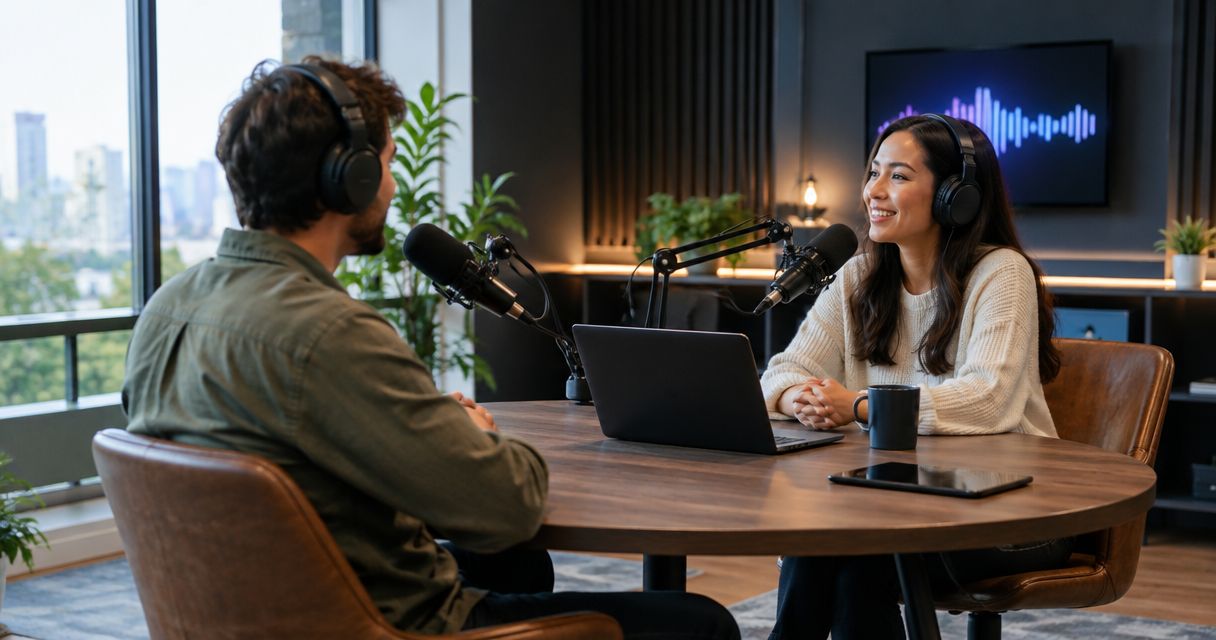
The cost to rent a podcast studio in 2026 depends on the booking length, recording setup, production support, and deliverables you choose. Compare the complete session quote, not just the advertised booking rate: confirm whether setup time, editing, and file delivery are included before you book.
- How much does it cost to rent a podcast studio? Compare the full recording scope, not the booking rate alone.
- Justpushrecord suits self-serve podcast hosts who want three-camera recording and Google Drive files without a crew.
- Confirm booked time, production support, editing scope, and delivered files before choosing a podcast studio rental.
How much does it cost to rent a podcast studio in 2026?
Your usable budget is the total for the session you need, with its inclusions written down. A room booking, an automated recording session, and a session with production support are different scopes. Comparing them by the headline rate alone leaves out the work each booking covers.
For a verified example of the automated model, Justpushrecord offers self-serve podcast studio rentals with three cameras, one-button recording, and Google Drive file delivery. That describes the recording workflow. Confirm the current booking terms separately.
Use this table to define your scope before requesting a quote. These are comparison categories, not claims about any studio's packages.
| Recording scope | Best for | Main advantage | Responsibility to clarify |
|---|---|---|---|
| Room and equipment access | Hosts comfortable managing a recording setup | You choose how to run the session | Who operates equipment and checks the recording? |
| Automated recording | Hosts who want to record without a crew | Recording controls are simplified | What support and finished files does the booking include? |
| Recording with production support | Hosts who want hands-on technical help | Someone has an assigned production role | Which tasks does that person handle? |
| Recording plus post-production | Teams seeking help after the session | Recording and editing can share a defined brief | Which edits and deliverables are included? |
Request comparable quotes. Give each studio the same episode format, guest arrangement, recording requirements, and delivery brief. Otherwise, a difference in quoted totals tells you little about value.
Why this matters
A podcast session is not finished when you stop talking. You still need usable files, an editing decision, and a publishing plan. Choose the booking around the output you need, not the equipment list alone.
For your 2026 recording budget, separate studio work from work you will handle yourself. That makes the comparison useful even when studios structure bookings differently. It also prevents you from treating a recording-only session as a finished-episode service.
Write down the final destination before asking about the studio. An audio episode, a full video episode, and a collection of social clips require different delivery instructions. You do not need all of them simply because the recording setup supports video.
Room and equipment access: define the operating responsibility
Room and equipment access suits hosts who want control over the session. The useful question is not whether equipment is present. Ask who sets it up, operates it, and checks that it is recording correctly.
The advantage is a clearly bounded rental when you already know your workflow. The limitation is that access alone does not assign responsibility for production. Ask the studio to explain exactly what assistance belongs to the booking.
Before comparing this scope with an automated or supported session, ask:
- Who starts and stops the recording?
- Who checks microphone placement and audio levels?
- Who confirms that the required camera views are recording?
- Who transfers the files after the session?
- What happens if you need technical help?
Choose room access when you can own the recording workflow. If you need the studio to operate the session, include that requirement in your quote request rather than assuming it follows from equipment access.
Automated recording: define what happens after the button
Automated recording suits hosts who want a simpler operating process. It reduces the number of recording controls you need to manage. It does not decide your episode structure or tell your guests what to say.
The advantage is a defined recording workflow without a crew. The limitation is that you still own the content: preparation, questions, delivery, and decisions about the finished episode. Confirm the support process before your first booking.
Ask what the start control activates and what the stop control ends. Then ask what you receive afterward. File delivery and editing are separate questions; receiving recordings does not, by itself, establish that a finished episode is included.
For video, clarify whether your delivery brief calls for individual camera recordings, a combined video, or both. Treat those as questions to resolve, not assumed features. Your editor should know what to expect before recording day.
Choose automated recording when the operating workflow matches your needs and you can manage the content. If you require live direction or an operator making production decisions, state that requirement explicitly.
Recording with support: define the person's job
A supported session suits hosts who want hands-on help during recording. The advantage is having someone assigned to production tasks. The limitation is that the phrase production support does not explain which tasks that person owns.
Ask whether the support covers setup, monitoring, camera operation, troubleshooting, or direction. These are distinct responsibilities. A quote should make the included role understandable without requiring you to know production terminology.
Describe your actual needs in plain language. For example, tell the studio that you want someone to confirm the recording is running and help you restart after a mistake. That is clearer than asking for a premium production experience.
Choose supported recording when you need an operator, not just access to equipment. Compare the written responsibilities alongside the total quote. Do not assume a person present in the room also handles editing or publishing.
Recording plus editing: define the finished deliverable
Recording with post-production suits teams that want help turning a session into a publishable episode. The advantage is being able to specify the intended output before recording. The limitation is that editing needs a clear brief; the word alone does not define the result.
For your 2026 quote, describe what you want removed, retained, and delivered. A conversation with mistakes cut out is different from an episode with introductions, graphics, captions, and separate clips. Ask the provider to confirm each requested task.
Make the approval process part of the brief. Identify who reviews the edit, how feedback is supplied, and what counts as an approved deliverable. Confirm timing directly with the provider instead of building your publishing schedule around an assumed turnaround.
Choose post-production support when you can describe the finished episode. If you already have an editor, ask that editor for delivery requirements before booking. The studio and editor need the same understanding of the handoff.
Why podcast studio rental quotes vary
Different quotes can reflect different scopes. Resolve these factors before deciding which booking fits your budget:
- Booked time. Specify the recording session you need, then ask how arrival, setup, breaks, and wrap-up relate to the booking period.
- Recording format. State whether you need audio, video, or both. Confirm the deliverables rather than relying on the room description.
- Operating responsibility. Identify whether you run the session, use an automated workflow, or need a production operator.
- Post-production scope. Separate recording from editing, captions, graphics, and clips. Ask which requested tasks are included.
- File handoff. Confirm the delivery method and the files your editor needs. A delivery link is not a description of its contents.
- Booking terms. Read the rules for changes, cancellations, and additional time. Use the current terms for the booking you are considering.
These questions explain what you are buying. They do not establish that a particular studio charges separately for each item. The provider's current quote and terms settle that question.
How do you compare podcast studio quotes fairly?
Compare quotes against one written brief. Keep the episode format and requested output consistent, then note any differences in included work. A lower total is only a useful comparison when you understand the scope attached to it.
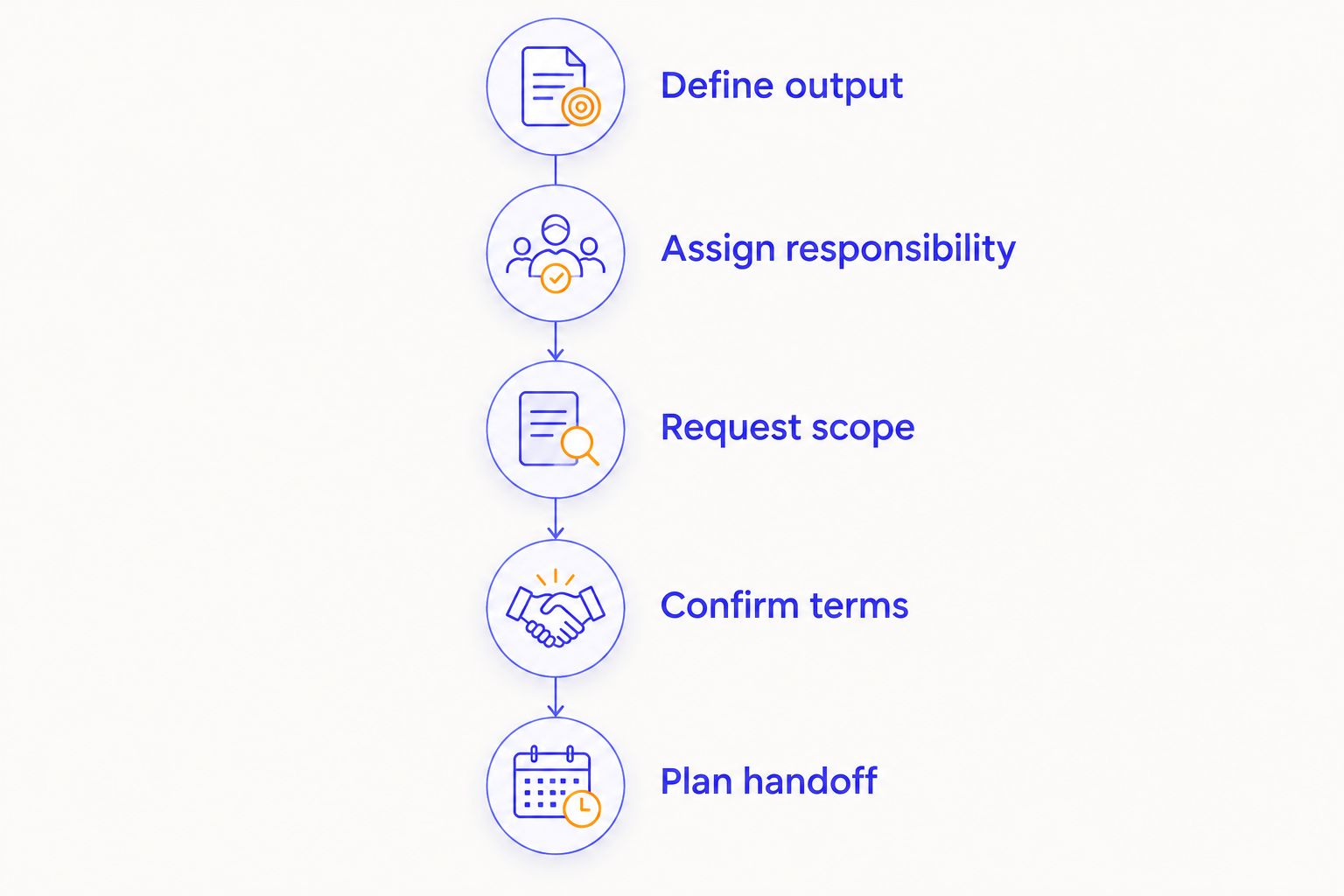
Use this sequence for your 2026 booking decision:
- Define output. Decide whether you need an audio episode, video episode, or another specified deliverable. Name the publishing destination.
- Assign responsibility. Decide who operates the recording and who handles editing. Leave no task assigned to an unnamed someone.
- Request scope. Send the same brief to each studio. Ask for the total and a written description of what it includes.
- Confirm terms. Review booked time, changes, file delivery, and any separately quoted work before committing.
- Plan handoff. Give your editor the delivery details. Make sure the requested files match the editing workflow.
Keep the brief short enough that the studio can answer it directly. Include the format, participant arrangement, operating help, and final deliverables. Ask follow-up questions wherever the reply leaves responsibility unclear.
For a video workflow, use the recording-to-YouTube guide to think through the handoff after the session. Your studio booking and publishing plan should connect before you record.
Where does Justpushrecord fit in the comparison?
Justpushrecord is best for podcast hosts, creators, and businesses that want self-serve, three-camera recording without a crew. Its verified workflow uses one button for recording and delivers files through Google Drive. Those details make the operating model clear.
The benefit is straightforward: you do not need to assemble a recording crew for that workflow. The boundary is equally important. Automated recording does not write your questions, conduct the interview, or establish an editing scope.
Treat Justpushrecord podcast studio rentals as a fit decision first. Confirm that the self-serve approach suits your session, then check the current booking terms and required deliverables. Do not choose it on an assumed price advantage.
Check the recording workflow
Review self-serve, three-camera recording and confirm the current booking details.
Does podcast studio rental include editing?
Podcast studio rental does not establish that editing is included. The booking description or written quote must say which post-production tasks are covered. Ask about the finished deliverable, not just whether the studio offers editing.
If you want to remove mistakes, add an introduction, or create clips, name those tasks. If you want only recording files, say that too. A precise request gives you a clearer comparison.
Is an automated podcast studio cheaper than a supported session?
An automated podcast studio is a different service scope, not a guaranteed lower-cost booking. Compare current totals for the same recording needs and deliverables. Automation tells you how the session operates; it does not establish a price ranking.
Choose the workflow that assigns responsibility correctly. If you need live technical help, include that requirement rather than comparing it with a booking that does not specify the same support.
What should you ask before paying for a session?
Ask for the complete booking total, included recording time, operating responsibilities, and delivered files. Then confirm the terms for changes and any work outside the agreed scope. Keep the answers with your booking confirmation.
For a 2026 booking, use the provider's current terms rather than a rate quoted in an older article. Your session brief should remain the reference point from the quote request through the final file handoff.
FAQ
How much does it cost to rent a podcast studio in 2026?
Podcast studio rental cost depends on the booked session and included production work. Request a current total for your recording format, operating support, and deliverables, then compare equivalent scopes.
What's included in a podcast studio rental?
The booking description determines what is included in a podcast studio rental. Confirm room access, equipment use, operating help, recorded files, and post-production separately.
Do I need video recording for an audio podcast?
You do not need video recording to publish an audio podcast. Request video when you have a defined use for it, such as a video episode or planned clips.
Does Justpushrecord need a recording crew?
Justpushrecord offers fully automated, one-button, three-camera podcast recording without a crew. Hosts, creators, and businesses receive recording files through Google Drive.
Are Google Drive files the same as a finished podcast episode?
Google Drive describes the delivery method, not the editing scope. Confirm whether you receive recording files, an edited episode, or other specified deliverables.
Should I book a studio before hiring an editor?
Confirm your editing requirements before booking a studio. Your editor can specify the recording files needed for the handoff, whether you hire that editor before or after choosing the studio.
What's the best way to avoid an unclear studio quote?
Send one written recording brief and ask the studio to confirm the complete scope. Include the format, operating help, delivered files, and any requested post-production.
One last thing
Ask your editor what files they need before you ask a studio what recording setup it has. That reverses the usual equipment-first conversation. It puts the finished episode at the center of the booking decision.
Use that answer to finish your brief. Then request the current total for that exact scope. You will know what the session covers, what remains your responsibility, and what happens after you leave the room.


